


.png)
One App to Rule All Knowledge Work
Plus: Agent-designed automations, why final review belongs in the destination app, and how to use our compound knowledge plugin
April 28, 2026 · Updated May 1, 2026


OpenAI’s Codex desktop app has become Every’s head of growth Austin Tedesco’s daily driver, handling everything from email triage and go-to-market planning to KPI tracking and recruiting. Last week, he and CEO Dan Shipper showed more than 250 paid subscribers exactly how they use it in our Codex Knowledge Work Camp. Read to the end for how to review business documents with Austin’s compound knowledge plugin.—Kate Lee
Was this newsletter forwarded to you? Sign up to get it in your inbox.
Signal
Coding apps are the new operating system for knowledge work
What happened: OpenAI’s Codex desktop app may have started life as a product for senior engineers pair programming with AI, but these days it’s equally good for powering other types of knowledge work. Every’s head of growth, Austin Tedesco, now runs roughly 80 percent of his daily workflow through Codex—a tool that, at our Codex Knowledge Work Camp, he said was “trash” for non-engineers just three-to-six months ago.
Why it matters: OpenAI, Anthropic, and Cursor are all racing to ship a unified product for handling code and knowledge work, and they’re converging on a single standard: an agentic terminal or chat interface with a left-hand project sidebar, plus connections to all the tools you already use like Gmail, Slack, Notion, and Stripe. These connections, for many non-engineers, were the missing piece of the puzzle.
What it means: Switching between ChatGPT and Claude based on the models’ personality differences might become a less-common occurrence. Instead, your desktop AI app has your API keys, your project files, and your daily workflows. Businesses, especially, with custom skills and plugins and months of company data in Codex won’t casually swap to Claude Code or Cowork next quarter—and vice versa.
Watch for the desktop apps to converge further on shared patterns beyond project folders that load themselves and plugin connectors to your most-commonly used tools. These new patterns may define the next decade of office software.
What to do this week:
- If you’ve been working in the web interface, download one of the desktop apps—Codex or Claude Code/Cowork—and spend a session there. The work feels different once you’re outside the browser tab.
- If you’re already on a desktop app, poke around its integrations and capabilities section. There’s almost always something useful lurking, like Anthropic’s design and marketing plugins, or Codex’s PDF creation skill. Pick one and try it.

Write at the speed of thought
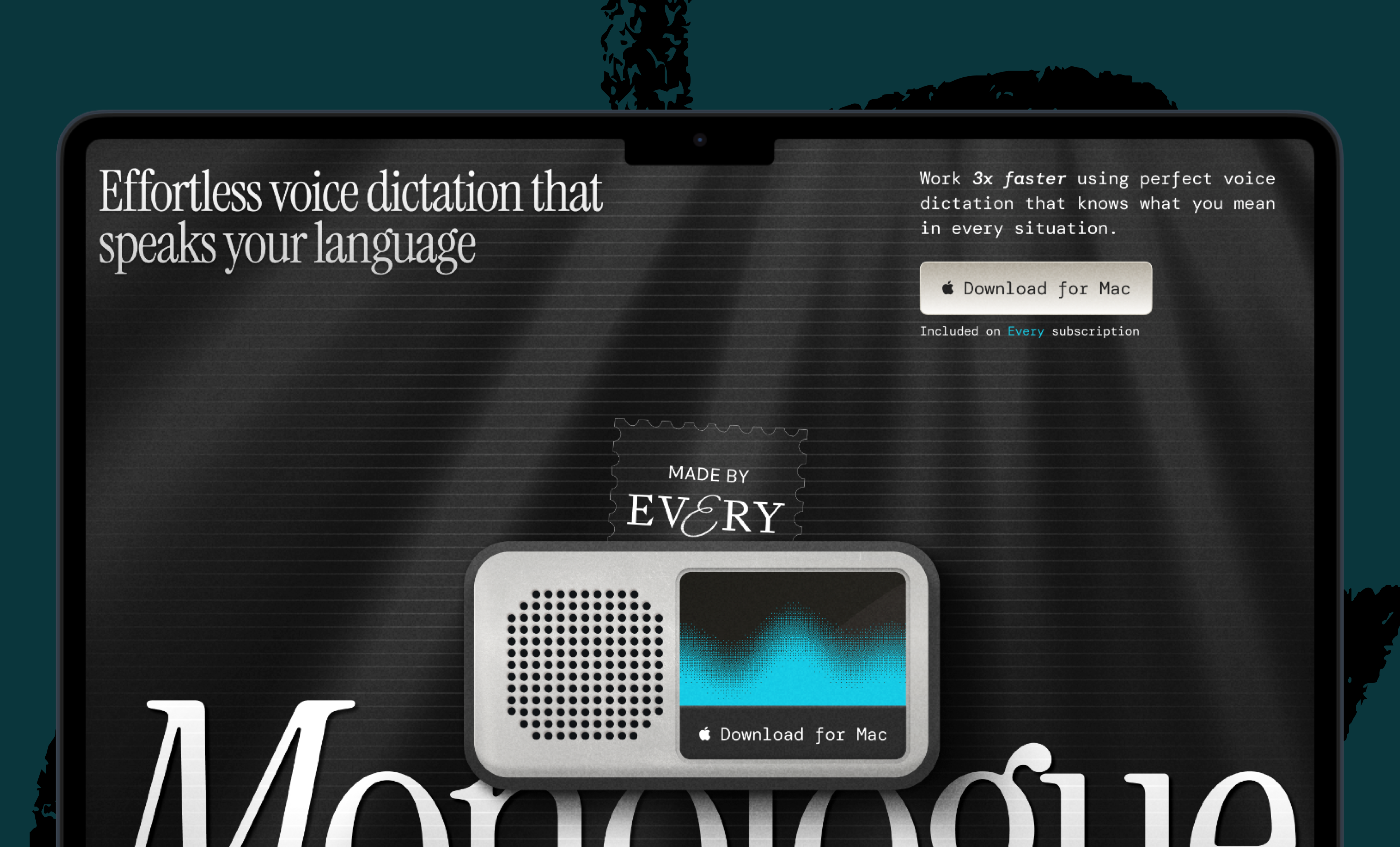
That gap between your brain and your fingers kills momentum. Monologue lets you speak naturally and get perfect text three times faster, and your tone, vocabulary, and style are kept intact. It auto-learns proper nouns, handles multilingual code-switching mid-sentence, and edits for accuracy. Free 1,000 words to start.
Now, next, nixed
Now: Documents written for both humans and agents. In the past, anything you wrote at work fell into one of two buckets: polished prose for people or structured data for machines. Agents are the first readers that need both. At Every, our guides on compound engineering and agent-native architectures exemplify this hybrid.
Next: Documents that write back. The latest internal version of Proof, our document editor for AI-human collaboration, supports agentic loops: The agent continuously monitors the document for changes and comments and suggests edits without you needing to interrupt your writing flow. The document seems to come alive, growing around your words in real time.
Nixed: Pretending the human wrote it. The pretense that an agent-written document has to sound like the human who sent it is a relic of a bygone era—especially if other agents are reading too. Provenance matters less if you’ve reviewed it and stand behind it.
Steal this workflow
Let the agent tell you what to automate
Some people hesitate to delegate work to agents because they struggle to think of a good use case. Try flipping it: Hand the agent the keys and ask it what to do.
- Open Codex (or Claude Code). Connect your top three tools, like Notion, Slack, and Gmail. Give the agent full permissions—it can’t find patterns in what it can’t see.
- Prompt: “Look at how I use my connected tools. Suggest five automations that would save me time, and rank them by how much friction they’d remove.” It might suggest a morning briefing based on your calendar, or ways to triage your inbox.
- Pick the easiest one first. Have the agent draft replies to unanswered messages at the end of each day. Run the automation for a week, then audit the misses.
You won’t know the agent’s capabilities until it has access to your real tools and a reason to use them. Skip the guesswork and let it show you.—Laura Entis
Skill share
Reviewing work with the compound knowledge plugin
Compound engineering turns every coding session into training data for the next one, so that the agent gets a little smarter about your codebase each time you use it. Compound knowledge does the same thing for memos, plans, and KPI sheets. The review step, launched with the /kw:review command, ensures that the AI doesn’t start off on the wrong foot.
What it does. The plugin reviews any Codex or Claude Code plans for strategic alignment with your company’s strategy and the project’s goals—and to verify the underlying numbers—before the agent gets to work. It’s the difference between “the agent wrote a plan” and “the agent wrote a plan that doesn’t contradict the last three executive meetings.”
Why it matters. Most plugins for agents are built for engineers reviewing code. Code review happens after the code’s already written and tested. Compound knowledge assumes operators are reviewing memos, KPI sheets, or recruiting lists, where the verifiable failure might be a confidently wrong data point—which has to be caught before a plan is enacted.
Steal it. Compound knowledge is public on Every’s GitHub. Install it, drop your company context into the project files, and, with some practice and calibration, you’ll have a reviewer that knows your business.
Inside Every
Final approval in the final context
Austin runs his compound knowledge loops in Codex, but he always signs off on the agents’ work in the destination app. He approves Slack drafts in Slack, where he can see the channel’s recipients. He checks agent-produced email drafts in Gmail, and strategy memos in Notion or Proof.
This is context-switching as a safety feature. The destination app reminds you that AI is now acting on something real—that the message is going to a person, or the document is about to anchor a launch—in a way a chat window can’t.
As agents move deeper into the stack, though, the question becomes: Is the destination app the right venue for the final pass forever, or does the approval step need its own surface? And as OpenAI, Anthropic, and others race to own the management layer, will it become another part of the archetypal user interface for knowledge work?—LE
Katie Parrott is a staff writer at Every. You can read more of her work in her newsletter.
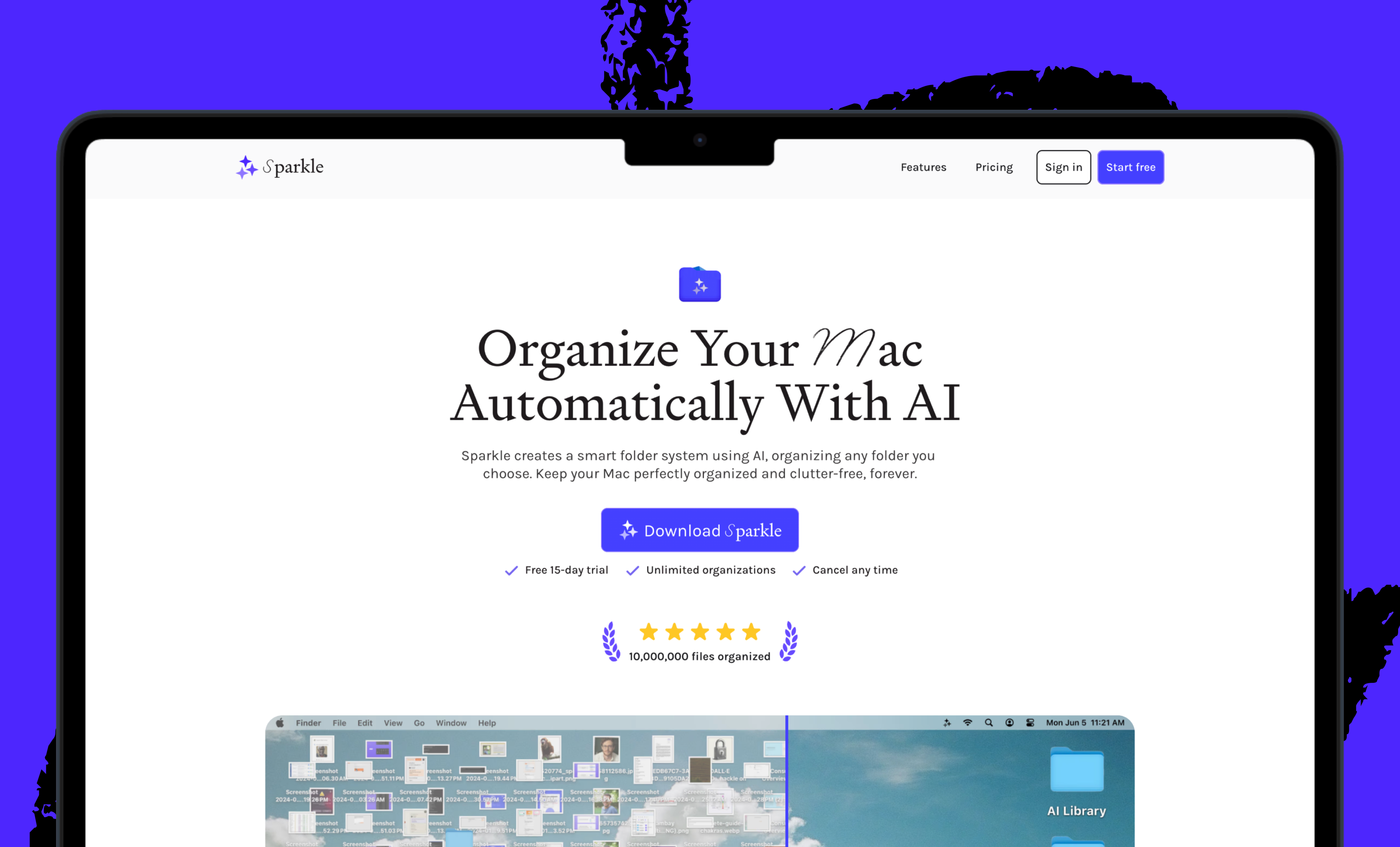
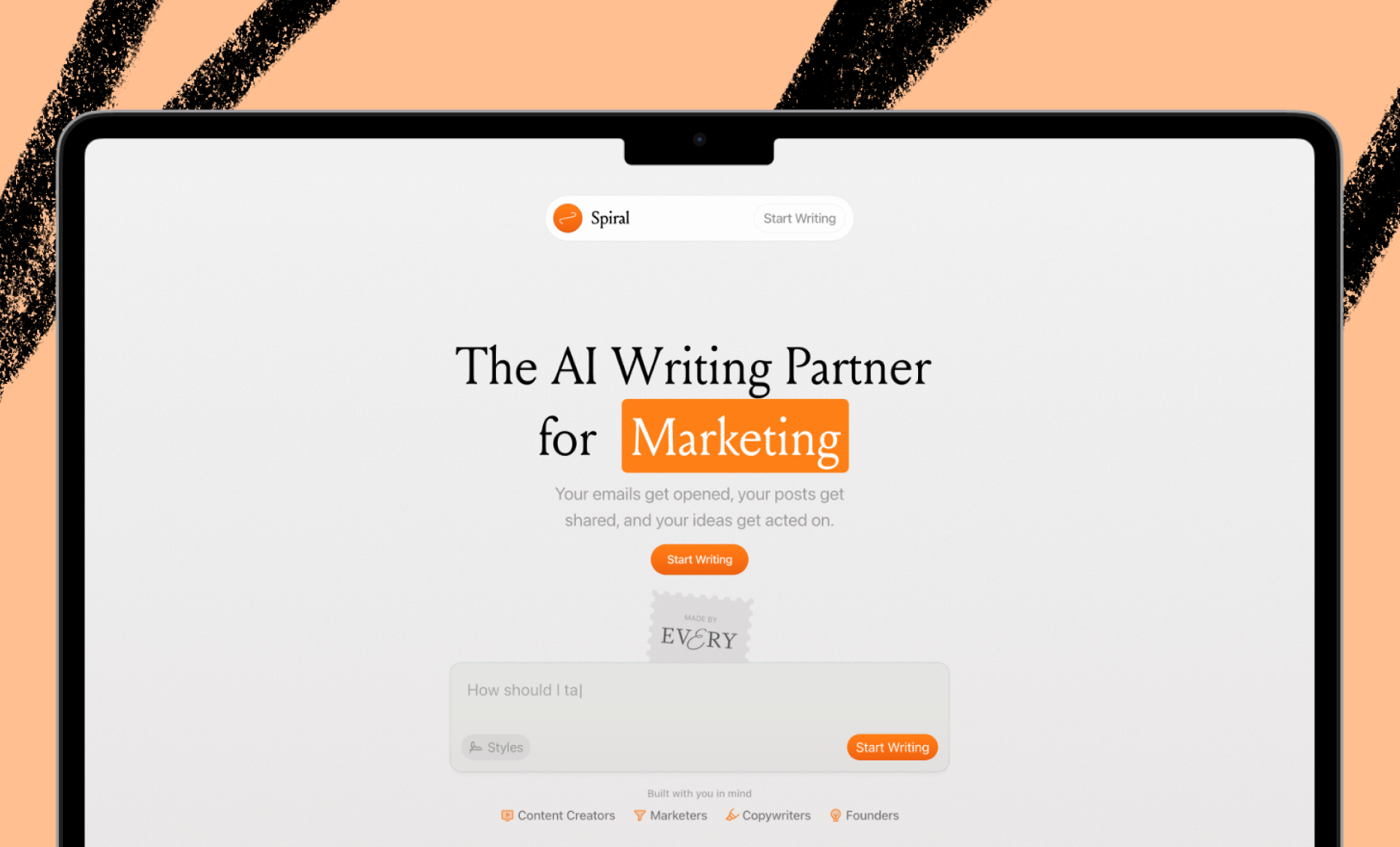
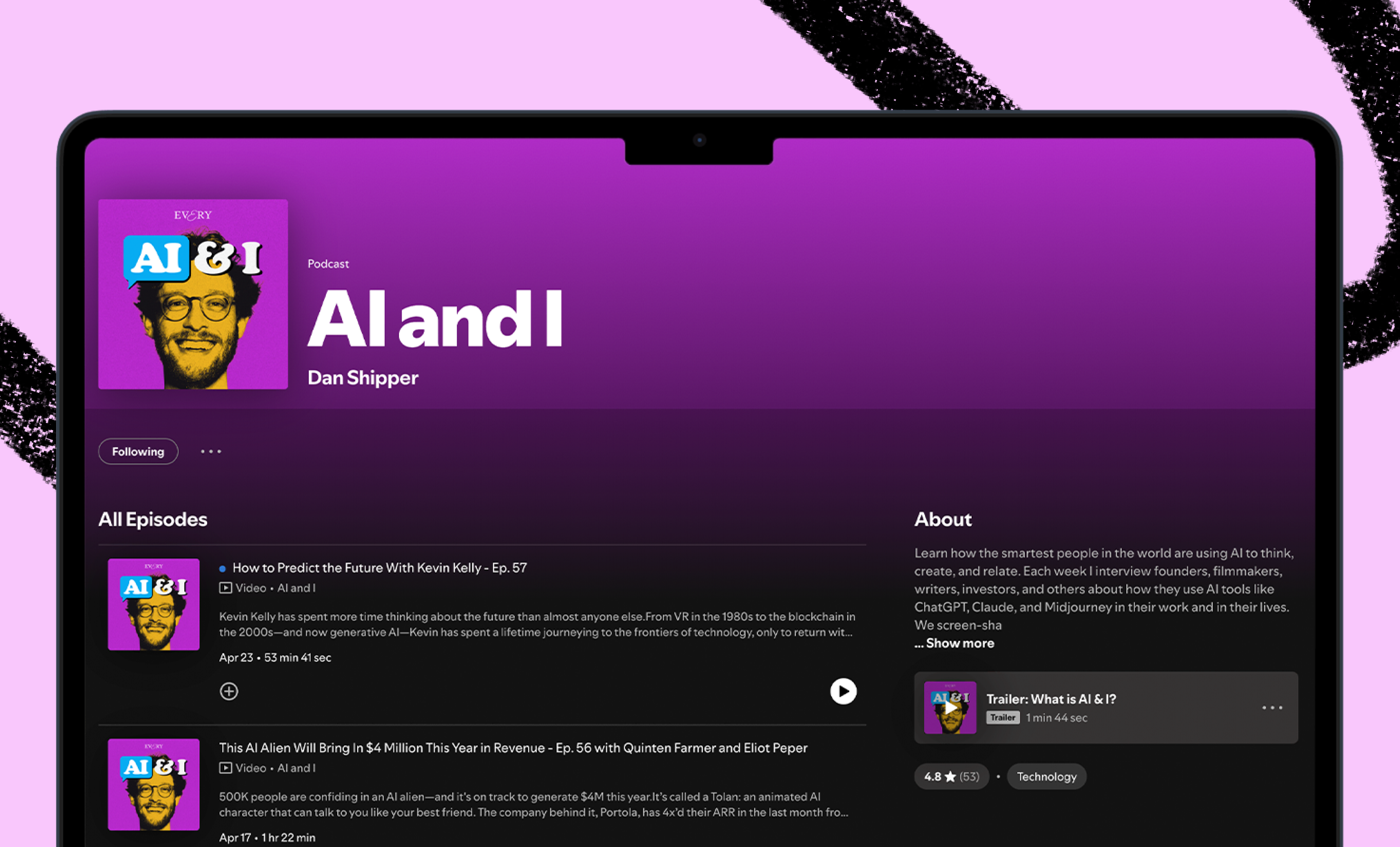
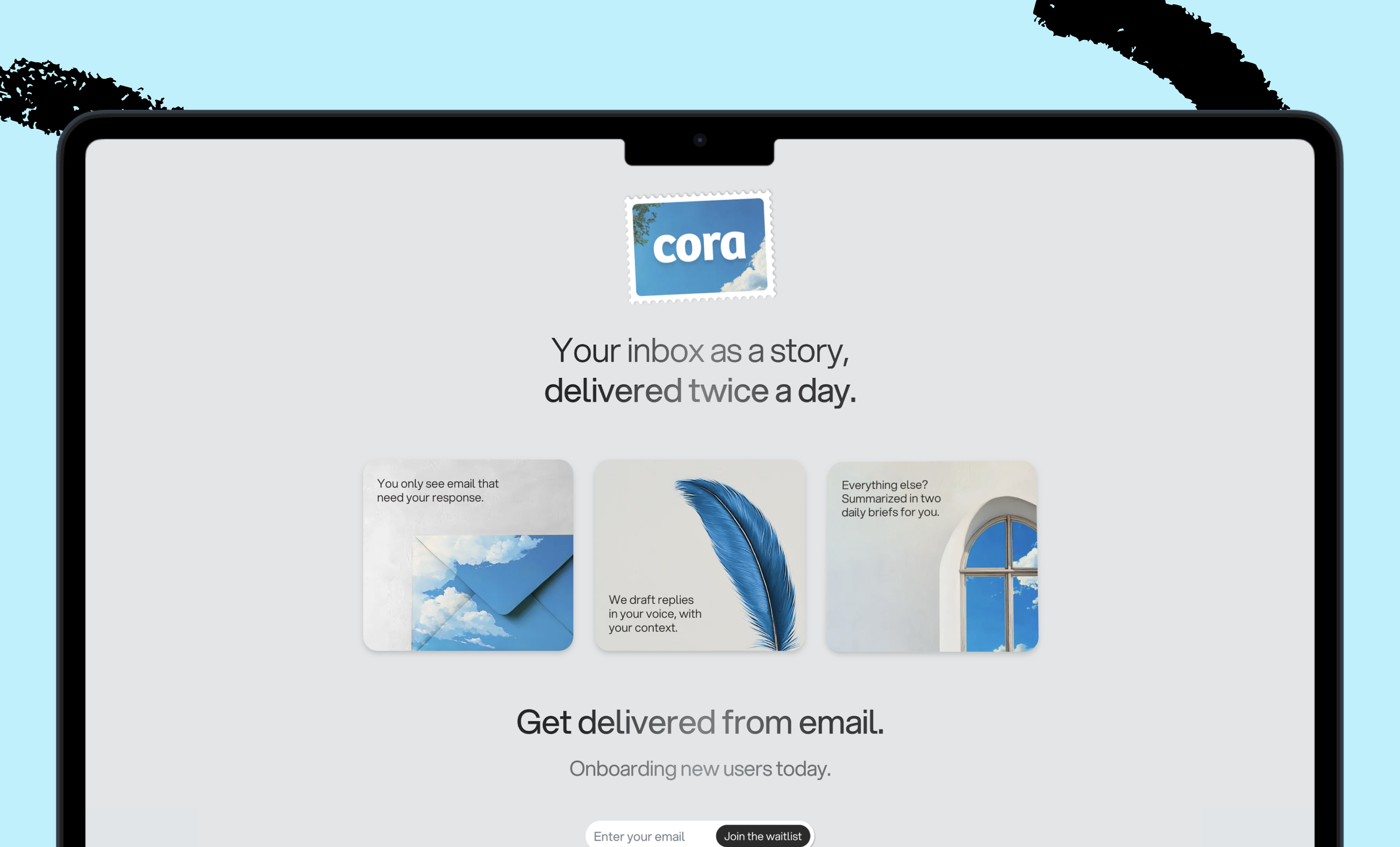
We build AI tools for readers like you. Write brilliantly with Spiral. Organize files automatically with Sparkle. Deliver yourself from email with Cora. Dictate effortlessly with Monologue. Collaborate with agents on documents with Proof.
For sponsorship opportunities, reach out to [email protected].
The Only Subscription
You Need to
Stay at the
Edge of AI
The essential toolkit for those shaping the future

"This might be the best value you
can get from an AI subscription."
- Jay S.
 Every Content
 AI&I Podcast
 Monologue
 Cora
Cora
 Sparkle
 Spiral
Join 100,000+ leaders, builders, and innovators

Email address

Already have an account? Sign in
What is included in a subscription?
Daily insights from AI pioneers + early access to powerful AI tools

 Front-row access to the future of AI
 In-depth reviews of new models on release day
Playbooks and guides for putting AI to work
Prompts and use cases for builders
In-depth reviews of new models on release day
Playbooks and guides for putting AI to work
Prompts and use cases for builders
In-depth reviews of new models on release day
Playbooks and guides for putting AI to work
Prompts and use cases for builders
In-depth reviews of new models on release day
Playbooks and guides for putting AI to work
Prompts and use cases for builders
 Bundle of AI software




.25.09_PM.png)
 Alex Duffy
.png)
 Every Staff
.png)
 Reviews of new AI models on release day
Comments
Don't have an account? Sign up!