
OpenAI's New Codex App Is Gold for Senior Engineers
Our hands-on review of the company’s desktop coding tool based on a week of testing
 Dan Shipper
 Katie Parrott
Two weeks ago, we wrote that OpenAI has some catching up to do on the coding front. Today, they're announcing a step in the right direction.
The company is shipping a Codex desktop app—a Mac app for programming with Codex that OpenAI is calling a "command center for agents" designed to replace the terminal user interface. It's OpenAI's answer to Claude Code's recent breakthrough moment. After weeks of testing, it's the first app that's made me (Dan) switch out of the terminal for coding since Claude Code launched.


A Codex app walkthrough: GUIs are so back
The Codex App is a Mac desktop application that provides a desktop interface for Codex, replacing the command line with a visual, graphical interface.
After Claude Code, many developers stopped bothering with graphical visual interfaces (GUIs). For people who know their way around a terminal, GUIs felt like a step backward—slower, more cluttered, and less powerful.
The Codex App is the first GUI that doesn't feel that way. It has a few features that make it powerful:
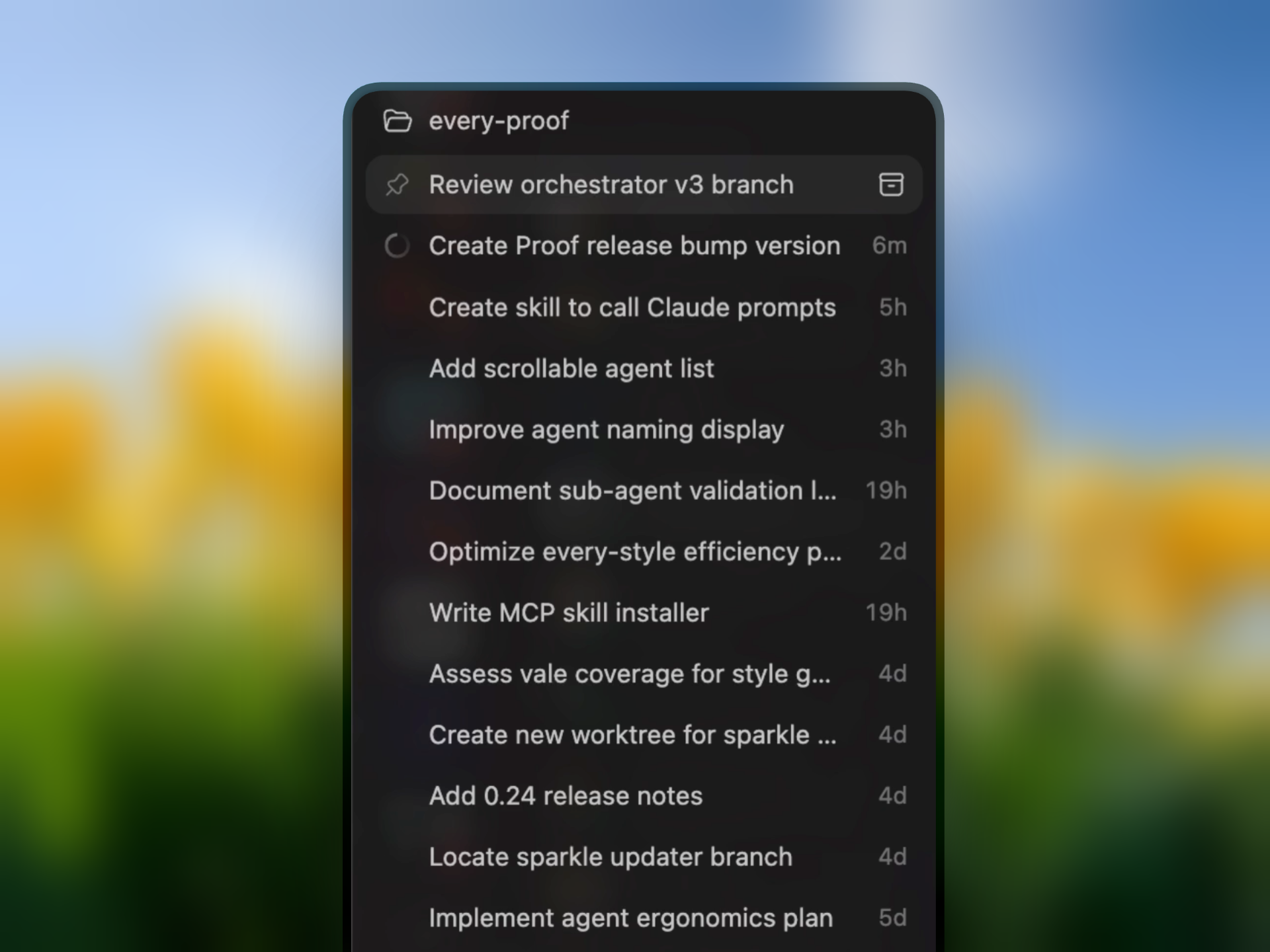
Sidebar for agent orchestration
You can kick off and manage agents in Codex's new sidebar.
Skills
The Codex app features a library that lets you download pre-built skills and create or import your own.
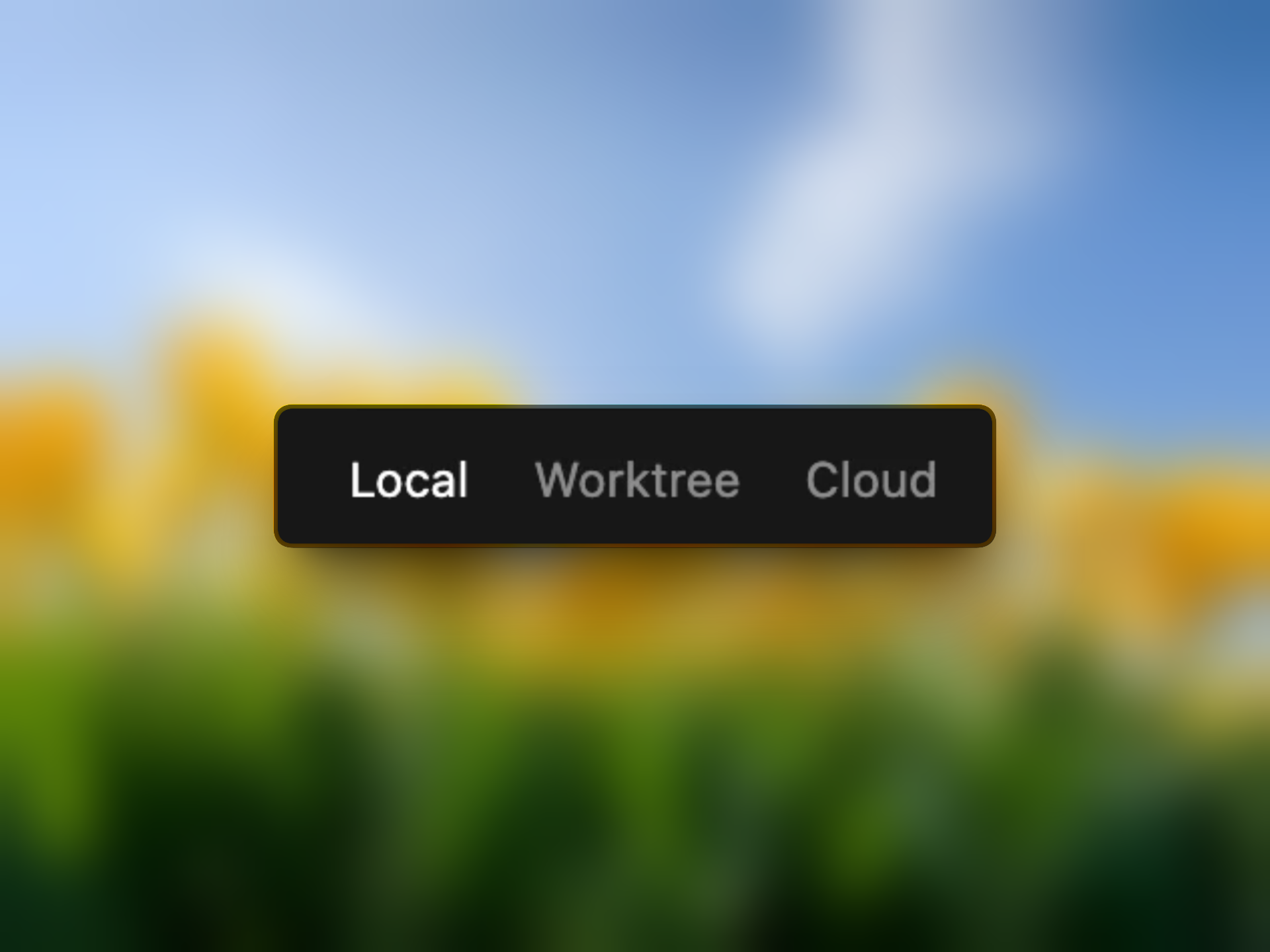
Cloud-to-local sync
Kick off a task in the Codex app and then move it to the cloud so you can keep working on the go.
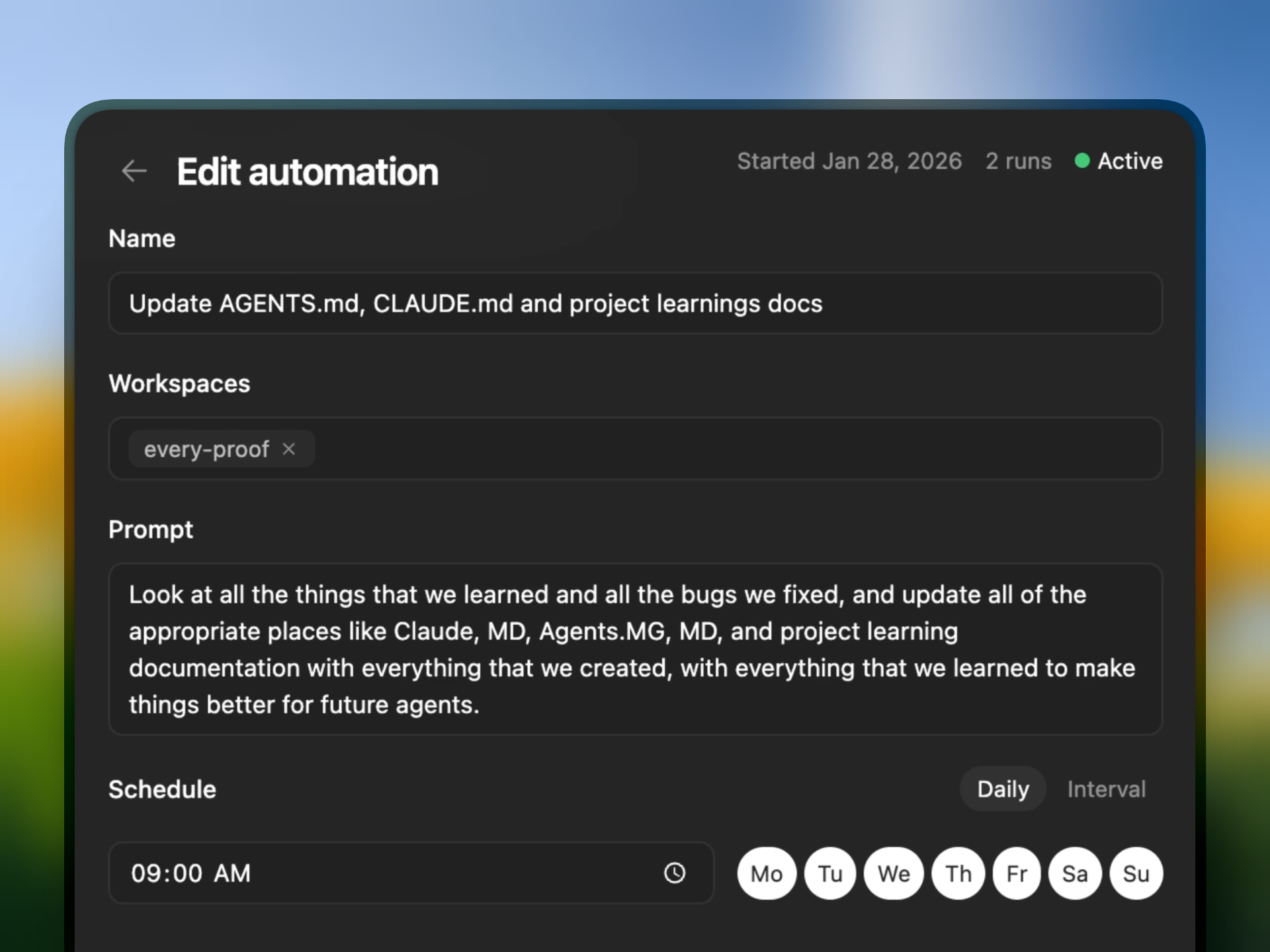
Automations
The app also allows you to easily schedule prompts to run at specific times—for example, asking Codex to compound learnings in each of your workspaces, work through customer service tickets, or update a dashboard with new data.
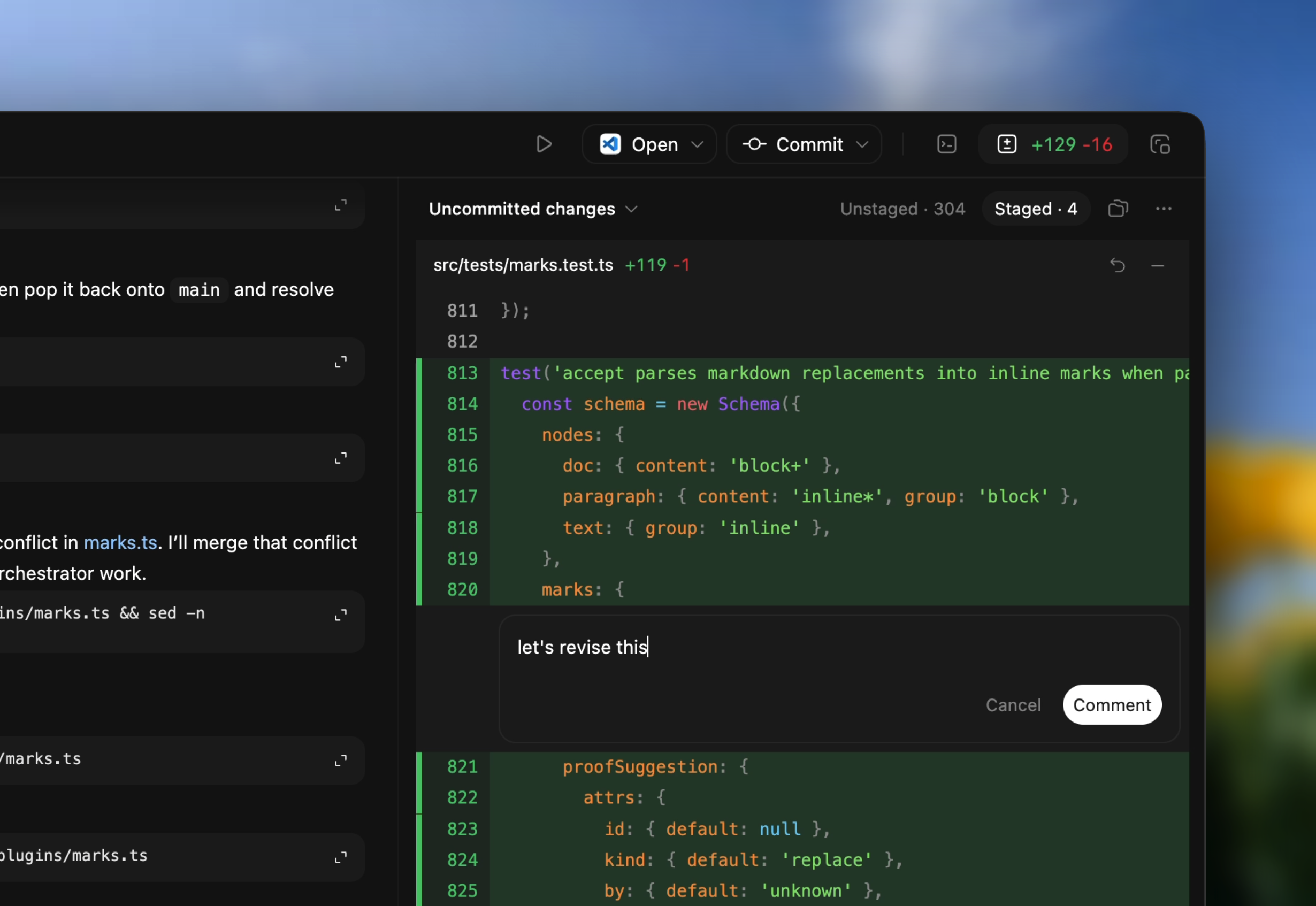
Code diffs
Codex features a right sidebar that lets you see code diffs and uncommitted changes.

This is a standout feature,
and we haven't seen it
implemented cleanly elsewhere yet.
The Reach Test
"This is the first GUI for agentic coding that feels like a step forward for me. I've found myself working mostly in Codex these last few weeks—with the occasional flip back to Claude Code for tasks that require its empathy, user experience skills, and speed. They're actually nice complements, but I went from 80 percent Claude Code, 20 percent Codex to 50-50 with this release."
"The sync between cloud and local is genuinely cool, and the user interface is clean. This isn't OpenAI playing catch-up anymore. They're competitive."

"I'm super-green. The sidebar makes it dead simple to kick off tasks, and the whole user interface just makes working across multiple projects effortless. I looked at my Monologue usage and saw it drop significantly from the Ghostty CLI (my usual way of using coding agents). Now I'm just living in the Codex app. Big shift in the last week, and I'm excited for where this is going."

"It's a nice UI, but going back to a graphical interface feels like a step backward in my workflow. I believe the future is more agentic and less human-controlled—Claude Code already lets me hand off tasks and trust the agent to figure it out. That said, for developers who aren't there yet, this is a solid option. The parallel work feature is especially useful if you don't want to understand worktrees and multi-repository setups."

Want the full analysis?
Read the complete Vibe Check to find out:
Deep dive into what works and what doesn't (cloud-to-local sync limitations, interruption handling, when diff reviews feel like homework)
How Codex stacks up against Claude Code, Cursor, and Cowork
Who should try it—and who should stick with what they have
What you gain and lose if you switch