


Katie Parrott is a staff writer. She writes Working Overtime and contributes to Vibe Checks, Source Code, and Context Window.

The Tool That Lets You Switch Models Without Losing Your Place
Everything we learned at Droid Camp about switching between GPT and Claude while staying in flow
Nov 4, 2025 · 11 min readUpdated Aug 24, 2026

Was this newsletter forwarded to you? Sign up to get it in your inbox.
Kieran Klaassen is not an easy man to convert. As general manager of Every’s AI email assistant Cora, Kieran has become a steadfast Claude Code devotee—including building an entirely new engineering system around the tool. So no one at Every was surprised when he first tried Droid, the agentic coding product from Factory, and proclaimed himself “unimpressed.”
But he kept trying because he discovered Droid had subagents—specialized AI workers configured for specific tasks. He could replicate the engineering process he designed in Claude Code in Droid without learning a different system. Once he realized Droid could do that—and that it would let him pick which model to use for which task—he used it to ship a feature in Every’s AI writing partner Spiral (an app he’d never worked on before) in less than two hours.
That’s what Droid offers: an AI agent that lets you switch between GPT and Claude mid-task, picking the best model for each phase of work. Unlike Claude Code (Anthropic only) or Codex’s command line interface (OpenAI only), Droid works with multiple models from different providers. GPT-5 and Claude Sonnet 4.5 each have distinct strengths. Until now, in order to switch between those models, you had to switch tools.
If there was one person who wasn’t surprised by Kieran’s conversion, it was Danny Aziz, general manager of Spiral and Droid’s biggest evangelist at Every. Danny canceled both his Claude and ChatGPT Max plans for Droid, became Factory’s top early-access user, and built nearly all of the newest version of Spiral using its multi-model workflows.
If Danny and Kieran represent the developer side of Droid, Factory’s head of developer relations Ben Tossell represents proof that you don’t need to code to get value from AI agents like Droid. He can’t write a single line of code, but uses Droid as his default interface for everything from analyzing monthly financials to downloading YouTube transcripts. Where Danny and Kieran use Droid to build features faster, Ben uses it to automate tasks he’d otherwise do manually.
Danny, Kieran, and Ben joined Every CEO Dan Shipper last week in Every’s Droid Camp to share how they use Droid in production, answer subscriber questions, and demonstrate workflows you can start using today. The event was for paid subscribers, but there was so much useful discussion and knowledge sharing that we’re posting the key takeaways for anyone who missed it. You’ll learn how to orchestrate multiple AI models in production—plus see real examples of developers and non-coders doing exactly that.
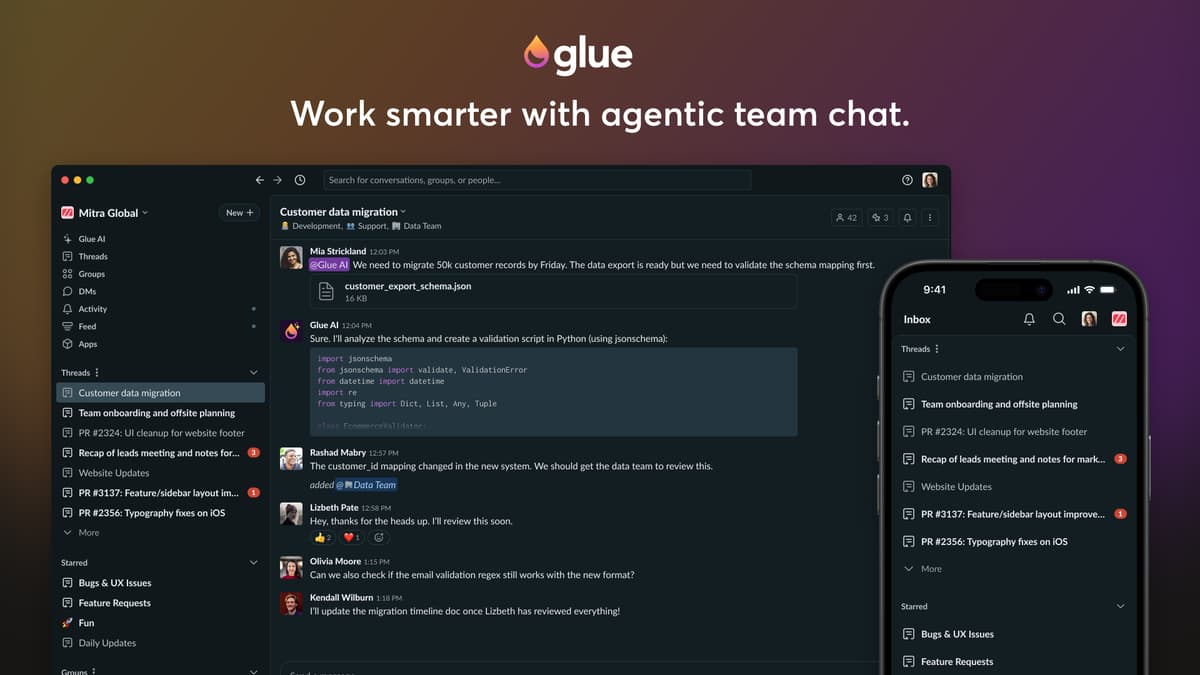
Turn talking into doing
Glue turns your team chat into a place where real work gets done. File a Linear issue, schedule a meeting, or check deployment status in the same thread you’re already chatting in. Context-aware AI and multiplayer tooling. Faster decisions and fewer tabs.
Key takeaways
Here’s what makes Droid worth your attention:
- Switch models mid-task to match the work. Use GPT for long research and planning, then switch to Claude for implementation—all in the same terminal session.
- Start with one model, scale up. Ben runs most tasks in a single conversation thread. Danny orchestrates multiple models across separate terminal panes.
- It’s great at non-technical use cases. Droid handles data analysis, file management, and automation tasks just as well as code.
- Context moves between models. When you switch from GPT to Claude, Droid compresses your conversation history and carries it forward so the new model understands what you’ve been working on.
What makes Droid different?
Become a paid subscriber to Every to unlock this piece and learn:
- How Droid can up your game, whether you're a hard-core coder or looking to automate nontechnical tasks
- What sets Droid apart from other coding assistants
- Answers to the questions Every subscribers asked about getting started with Droid
Thanks to our Sponsor: Glue
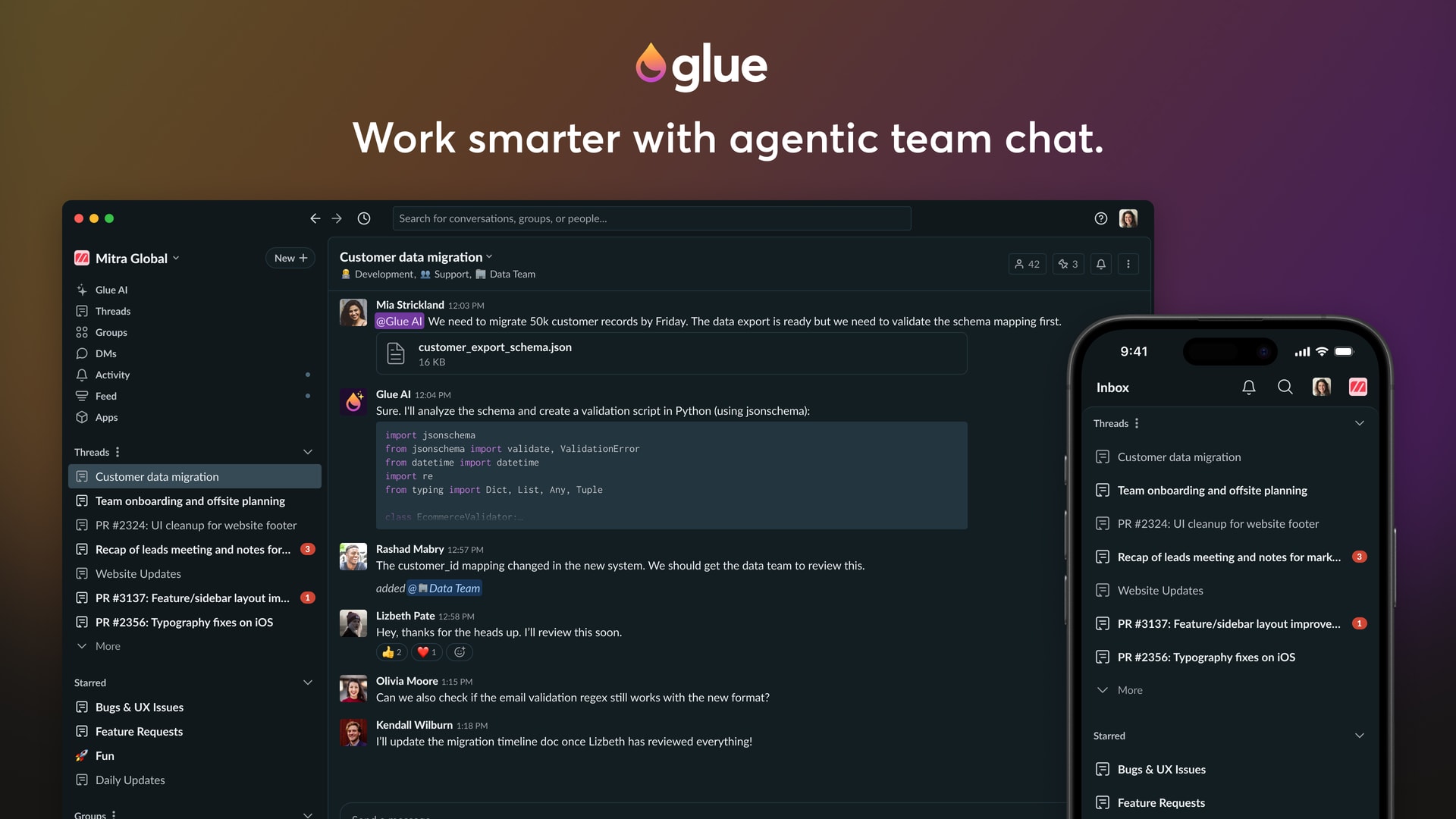
Turn talking into doing
Glue turns your team chat into a place where real work gets done. File a Linear issue, schedule a meeting, or check deployment status in the same thread you’re already chatting in. Context-aware AI and multiplayer tooling. Faster decisions and fewer tabs.
 Create a free account to continue reading
The Only Subscription
You Need to
Stay at the
Edge of AI
The essential toolkit for those shaping the future

"This might be the best value you
can get from an AI subscription."
- Jay S.
 Every Content
 AI&I Podcast
 Monologue
 Every Agent
Join 100,000+ leaders, builders, and innovators

Already have an account? Sign in.
What is included in a subscription?
Daily insights from AI pioneers + early access to powerful AI tools
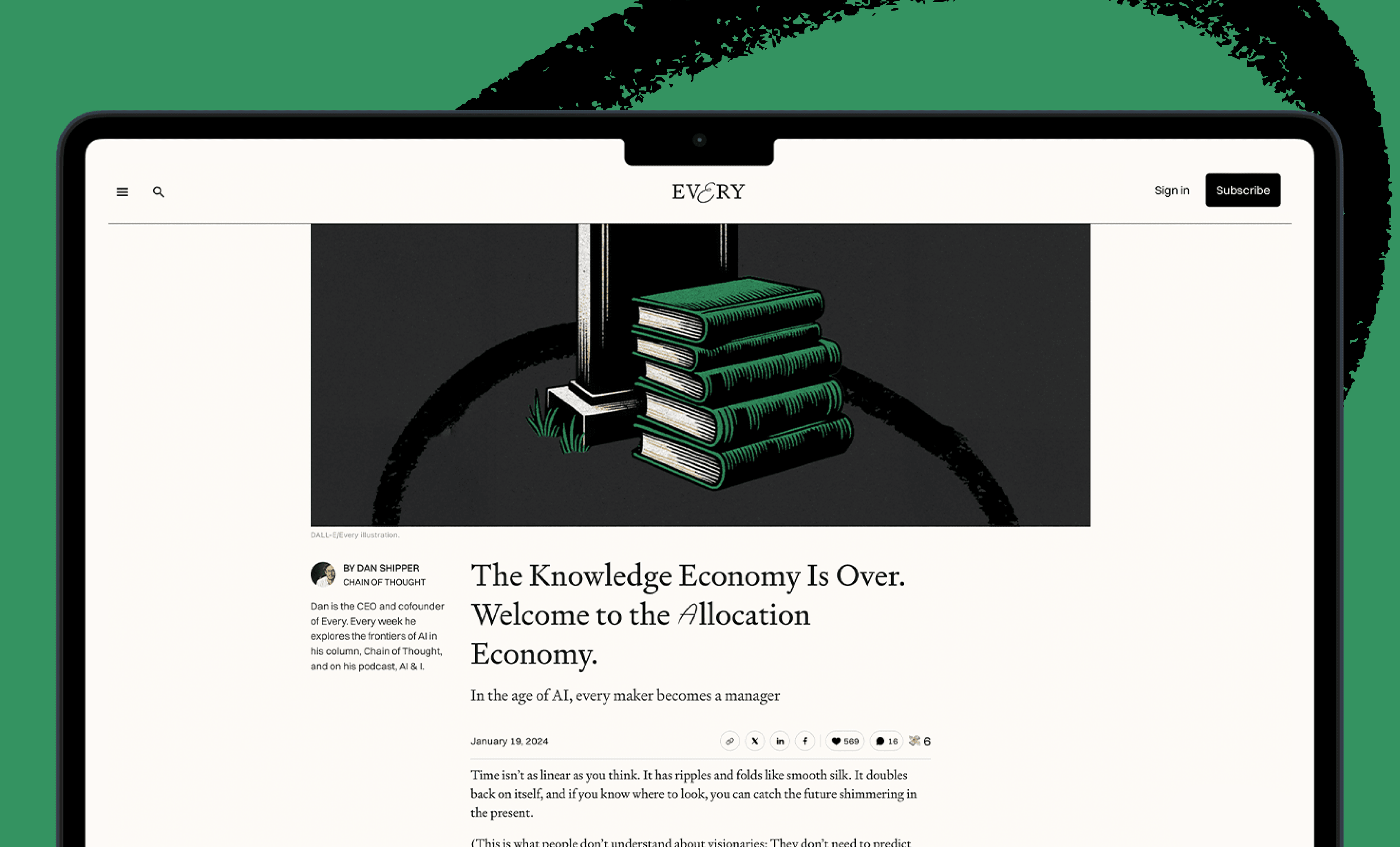
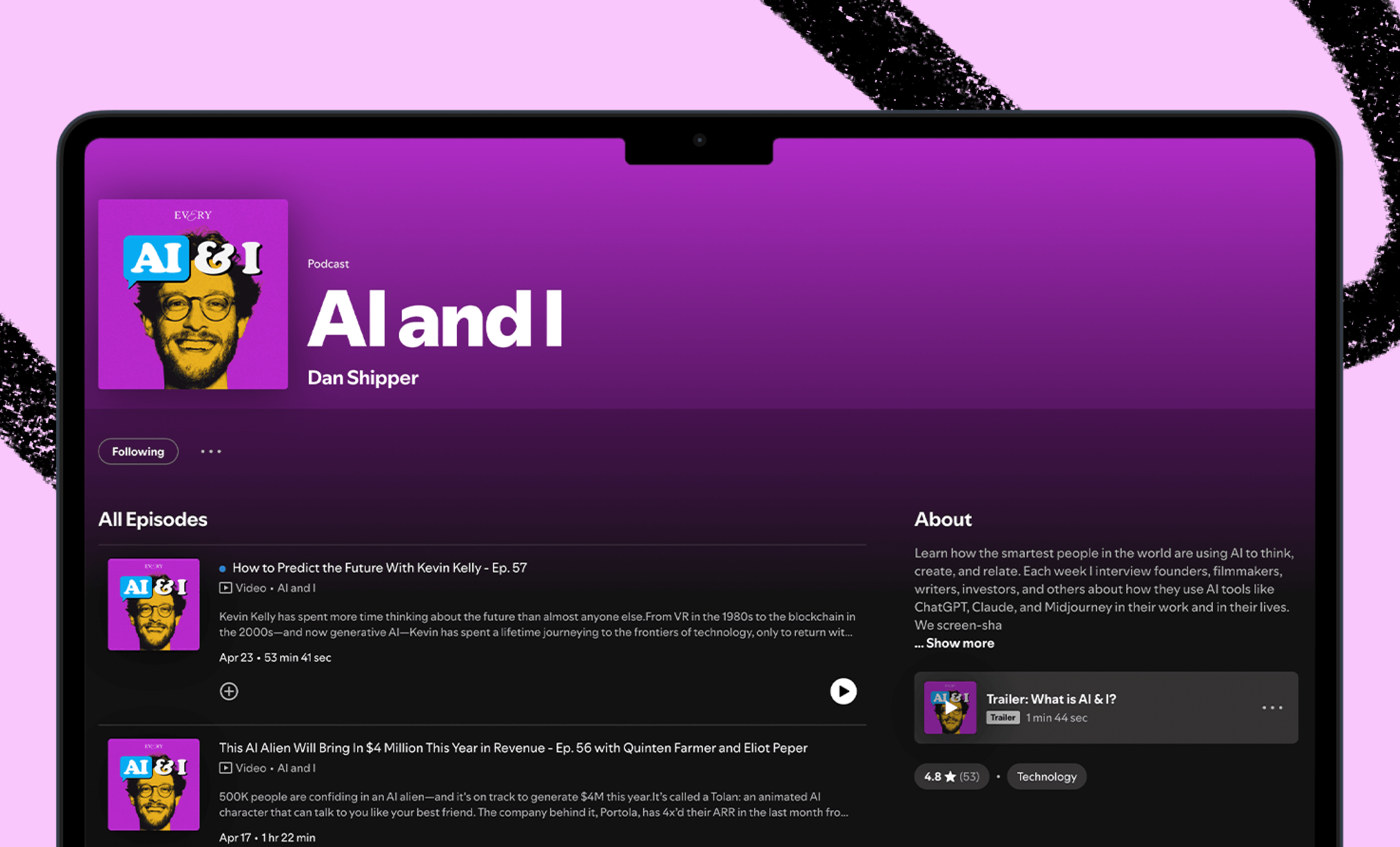
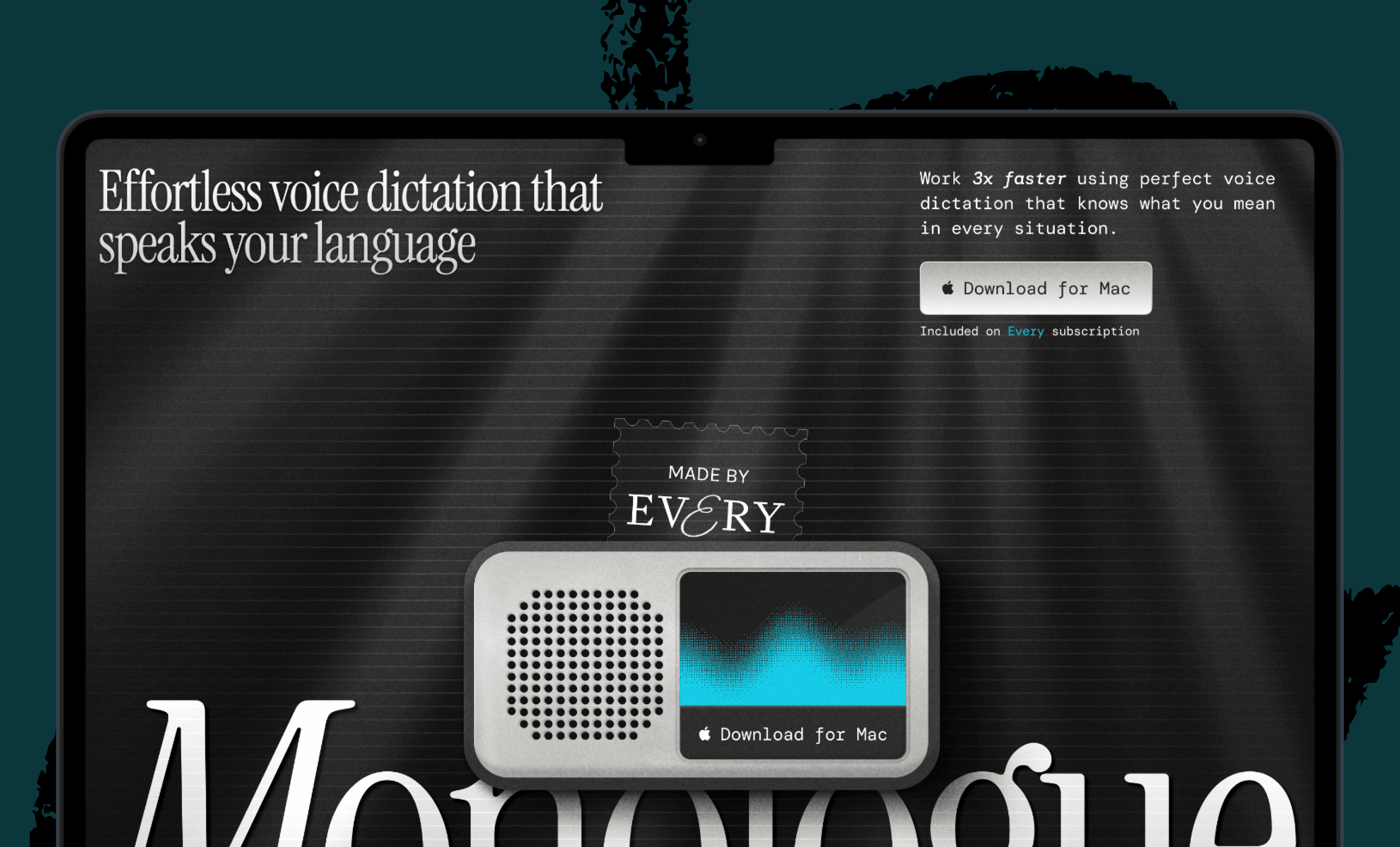
 Front-row access to the future of AI
 In-depth reviews of new models on release dayPlaybooks and guides for putting AI to workPrompts and use cases for buildersIn-depth reviews of new models on release dayPlaybooks and guides for putting AI to workPrompts and use cases for builders
 Bundle of AI software



 Katie Parrott
 Every Staff
 Kieran Klaassen
Comments