


Mike Taylor is the head of evals at Every and a co-author of "Prompt Engineering for Generative AI" (O’Reilly).

You Are the Most Expensive Model
The real cost of AI agents is your time. A four-step framework for keeping your AI costs in check.
Apr 27, 2026 · 11 min readUpdated Oct 8, 2026

Not every step in an AI workflow needs the smartest AI. That may sound obvious, but it’s not how most people are working. The default is to route entire tasks through frontier models, which is expensive, slow, and usually unnecessary. Incremental determinism starts from a different question: How much intelligence does this task really need?? The answer is almost always less than you’d expect, and the savings add up.—Mike Taylor
There is a reason McDonald’s would never ask its CEO to man the burger grill: It would cost the company $9,230.77 an hour. It’s the same as using frontier AI models to do every task—you don’t need to pay 75 cents every half hour ($1,095 per month!) for Claude Opus to check your to-do list in OpenClaw.
This tension isn’t really about the pricing of AI models—it’s about the value of human attention. Now that you have a cheaper al
ternative for many tasks that used to require it, you need to figure out the optimal way to deploy AI in a way that frees up your most expensive model—you. Most businesses are getting this balance wrong in both directions: overpaying for AI on simple tasks and underusing it on ones that would free up their best people.
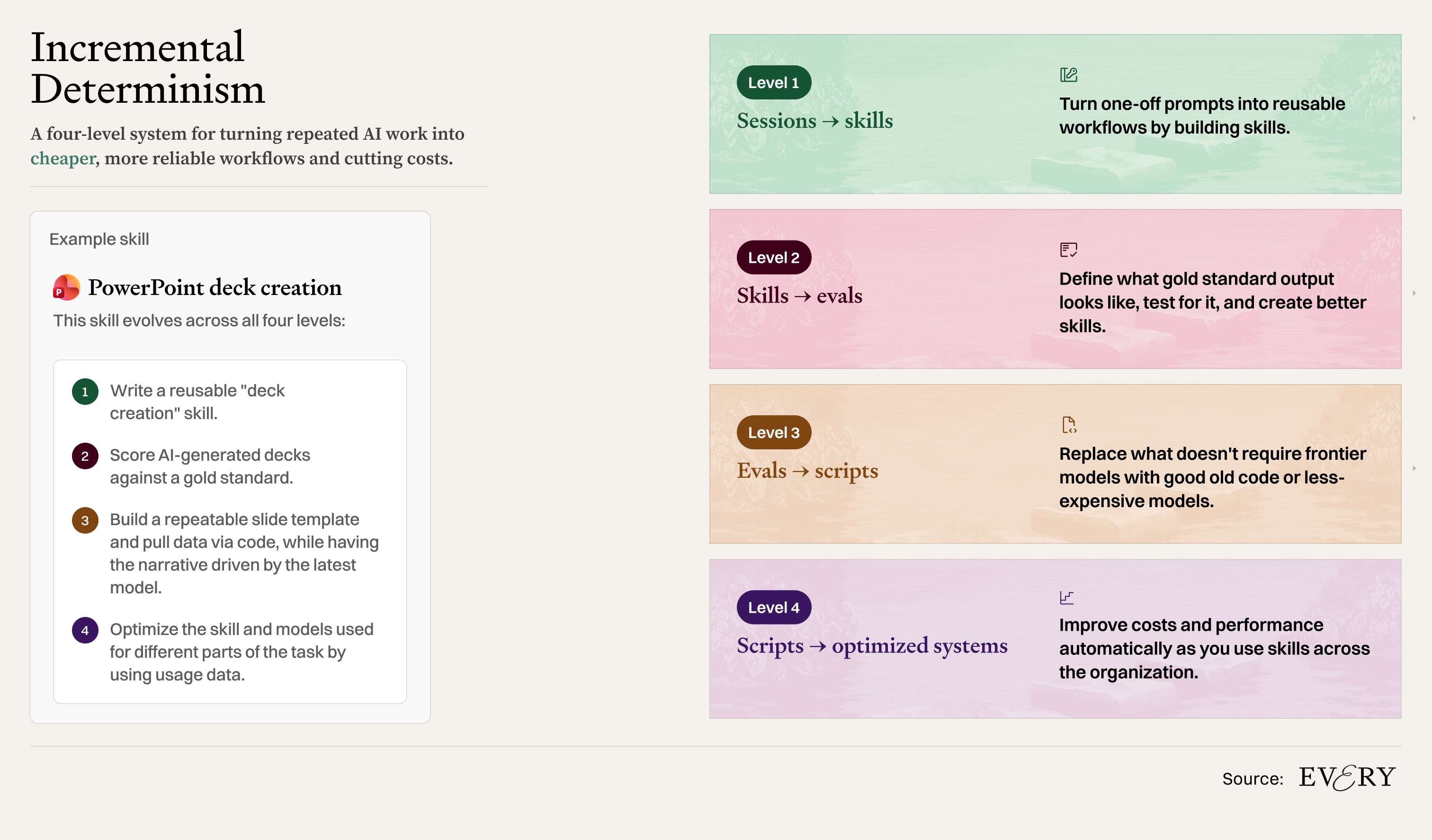
The solution is a process of optimization that I call incremental determinism. Every time you repeat a task, build it into a repeatable process by creating a skill file. Identify which parts of that process need the most expensive model, which can be delegated to cheaper, less powerful models, and which tasks repeat often enough to justify turning them into reusable code. And finally, get better at delegating so you can stay focused on the work that needs you.
I call it incremental determinism because the more you repeat a task, the more it pays to nail down exactly how it should be done. The first time, you figure the task out as you go, but after doing it a few times, you can document the best approach. “Deterministic” is a programming term for code that always produces the same output given the same input. The goal is to push as much of your workflow towards that end of the spectrum as possible, because deterministic steps are faster, cheaper, and more reliable. The tradeoff is the upfront investment needed to systematize the task.
There are four levels for achieving this balance and optimizing AI costs. Depending on your technical fluency, you don’t have to go to the final step, but understanding how they each support each other will help you manage how you can control AI costs across your entire organization.
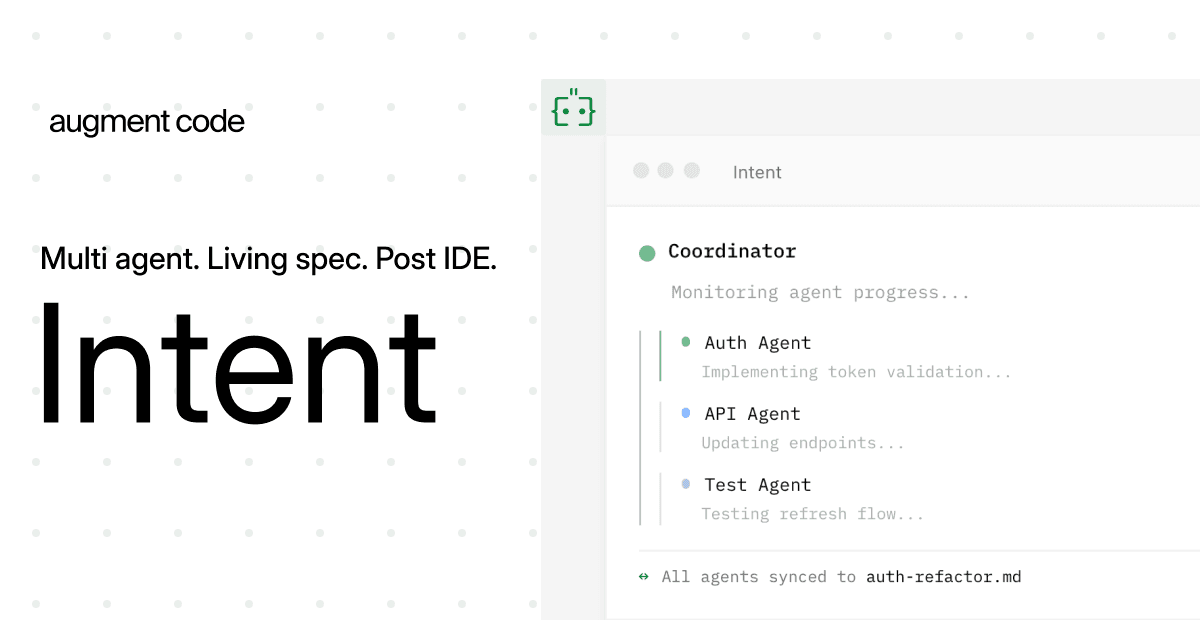
What comes after your IDE? Intent.
Stop herding AI agents across terminals and branches. Intent bundles each task into a single workspace with a living spec, agent notes, and full change visibility.
Orchestrate agents like a system, not a swarm: Direct specialists, keep work aligned, and ship without copy-pasting context.
Works with Augment, Claude Code, Codex, or OpenCode.
Level 1: Turn sessions into skills
The first level is the easiest. Let’s say you are often asking AI to generate a PowerPoint pitch deck. The first step toward systematizing it is to make a skill. A skill can be as simple as a text file detailing how to do a task that the model follows each time it’s asked. It’s the McDonald’s handbook that tells every employee how to make the perfect burger, over and over again. Even less experienced cooks can get a good result.
Once you’re done with the normal back and forth of giving the AI the necessary data and context for the presentation, ask it,...
Become a paid subscriber to Every to unlock this piece and learn about:
- How to improve skills by testing them against gold-standard examples
- One tool to use to determine whether older models are sufficient for a task—saving you from using more expensive, newer models
- How to make tasks like creating a PowerPoint deck with AI cheaper by breaking them down
Thanks to our Sponsor: Augment Code
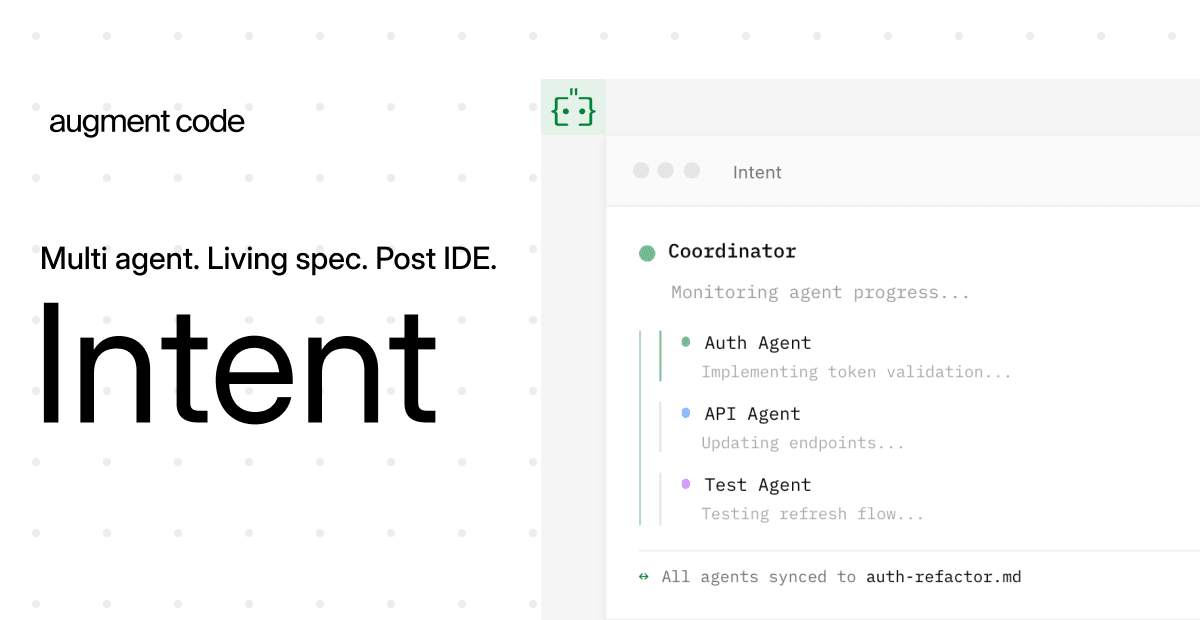
What comes after your IDE? Intent.
Stop herding AI agents across terminals and branches. Intent bundles each task into a single workspace with a living spec, agent notes, and full change visibility.
Orchestrate agents like a system, not a swarm: Direct specialists, keep work aligned, and ship without copy-pasting context.
Works with Augment, Claude Code, Codex, or OpenCode.
 Create a free account to continue reading
The Only Subscription
You Need to
Stay at the
Edge of AI
The essential toolkit for those shaping the future

"This might be the best value you
can get from an AI subscription."
- Jay S.
 Every Content
 AI&I Podcast
 Monologue
 Every Agent
Join 100,000+ leaders, builders, and innovators

Already have an account? Sign in.
What is included in a subscription?
Daily insights from AI pioneers + early access to powerful AI tools



 Front-row access to the future of AI
 In-depth reviews of new models on release dayPlaybooks and guides for putting AI to workPrompts and use cases for buildersIn-depth reviews of new models on release dayPlaybooks and guides for putting AI to workPrompts and use cases for builders
 Bundle of AI software








 Katie Parrott
 Every Staff
 Kieran Klaassen
Comments