


Katie Parrott is a staff writer. She writes Working Overtime and contributes to Vibe Checks, Source Code, and Context Window.
How to Use Codex for Knowledge Work: A Power User’s Guide
Setup, workflows, and principles for turning Codex into an operating system for email, writing, research, planning, and reporting—even if you’re not an engineer
May 26, 2026 · 2 min readUpdated Oct 8, 2026

Was this newsletter forwarded to you? Sign up to get it in your inbox.
Dan Shipper is a man possessed by Codex. He calls it his daily driver, he’s been at inbox zero for 10 days straight (genuinely unlike him), and at a recent Anthropic event he spent his time telling the people who build Claude Code that they had to try Codex. He swears he isn’t sponsored by OpenAI. He’s just like this now.
At first glance, Codex looks just like another coding agent. In practice, it’s a workspace where you and AI agents can work side by side across your inbox, documents, data sources, and connected tools. You bring the context, judgment, and review. Codex helps gather inputs, produce artifacts, check work, and turn repeated processes into reusable workflows.
Today we published a power user’s guide to using Codex for knowledge work—even if you’ve never written a line of code. The guide covers:
- The Codex knowledge-work loop: Connect, contextualize, delegate or collaborate, review, and compound
- Workspace setup: how to create context files, rules, source folders, workflow documents, and review checklists
- The five levels of Codex use: from one-off tasks to multi-source workflows, recurring chores, small tools, and compounding systems
- 13 workflow templates: inbox review queues, unanswered message sweeps, research briefs, weekly reports, GTM plans, customer support routing, recruiting research, planning agents, and more
If you want to know how to use Codex as an operating system for knowledge work, this guide is for you.
On June 12, Dan and the Every team are hosting a two-hour camp on the Codex workflows we use most, the use cases that changed how we work, and what becomes possible once you start building Codex-native apps. If you’re not a paid subscriber yet, start your free trial to join.
Katie Parrott is a staff writer at Every. You can read more of her work in her newsletter. To read more essays like this, subscribe to Every, and follow us on X at @every and on LinkedIn.
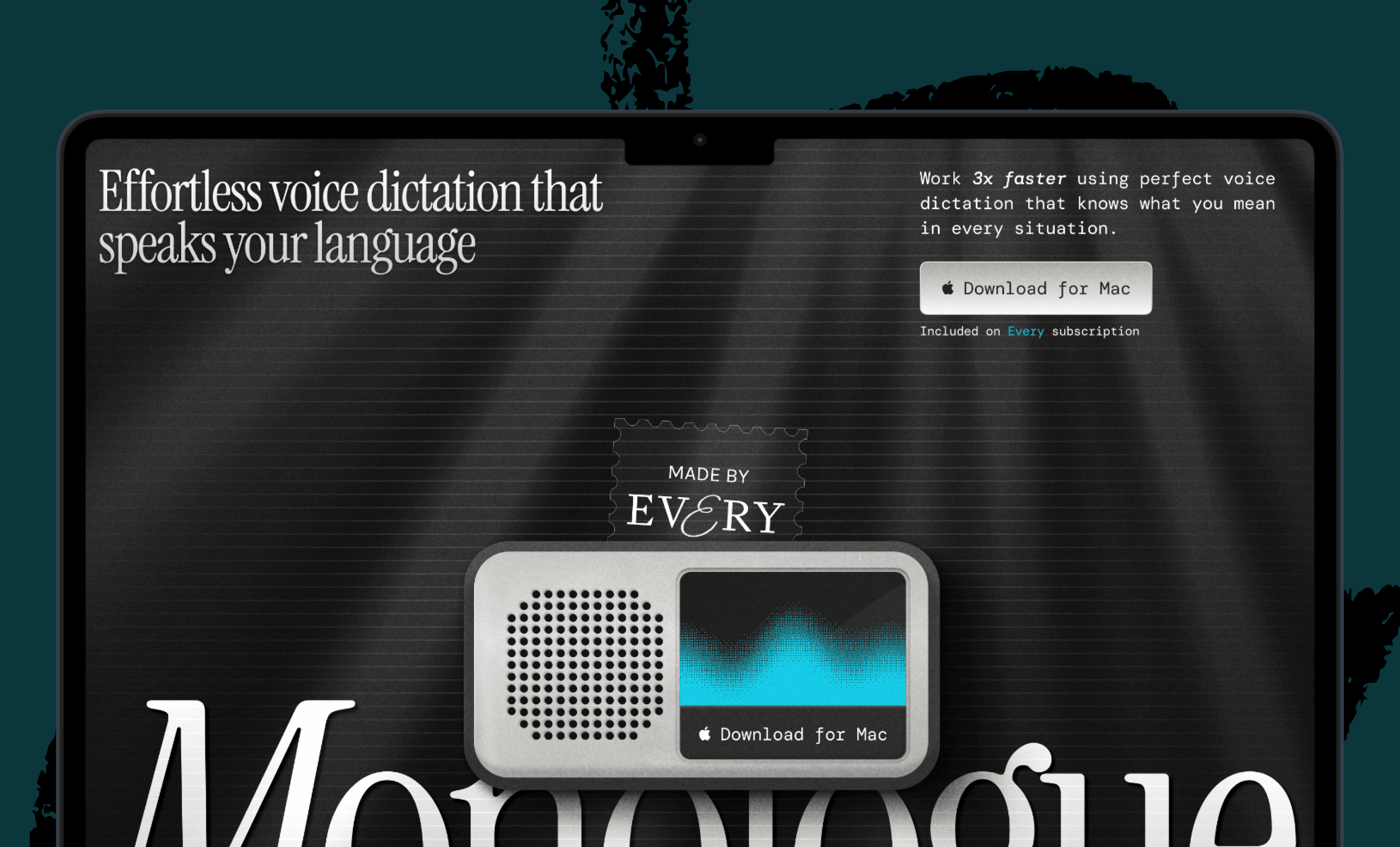
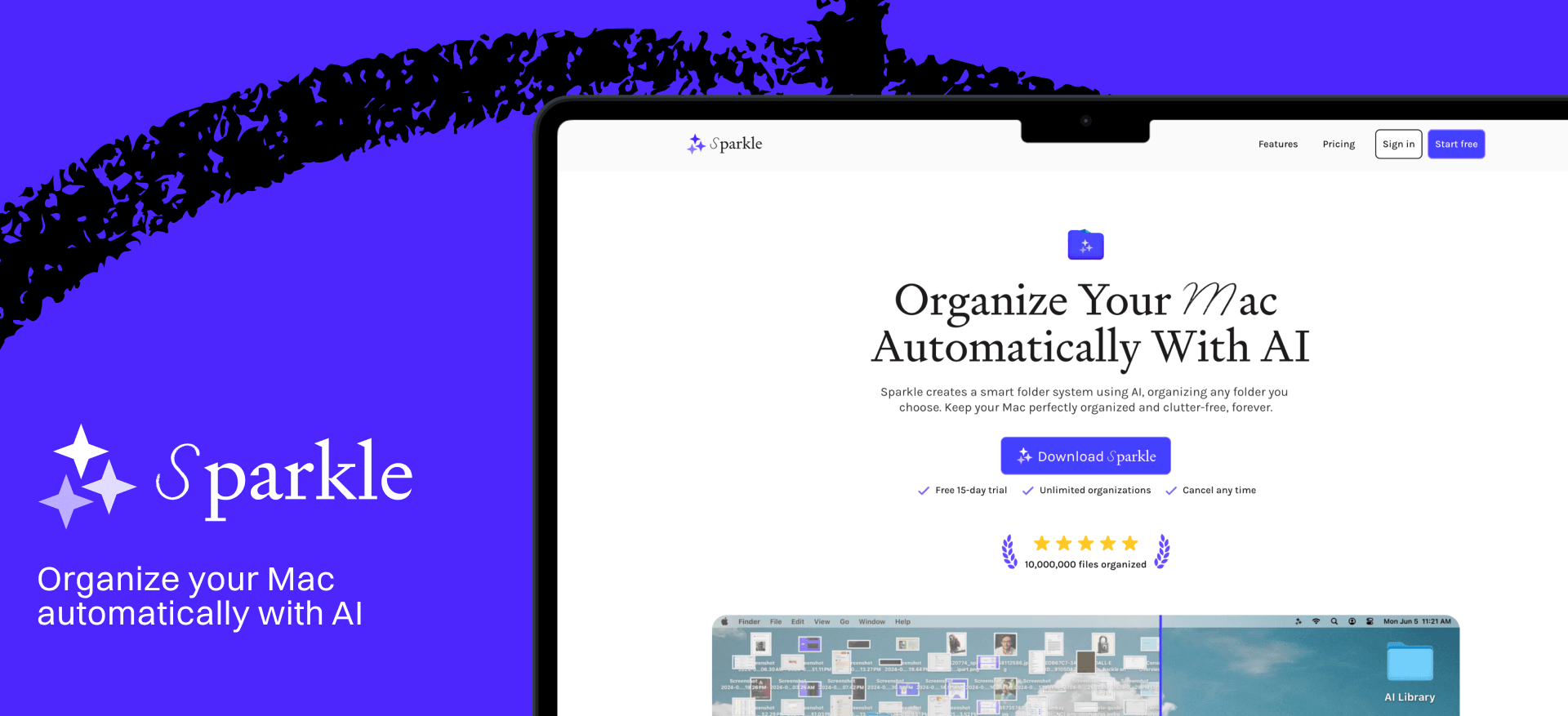
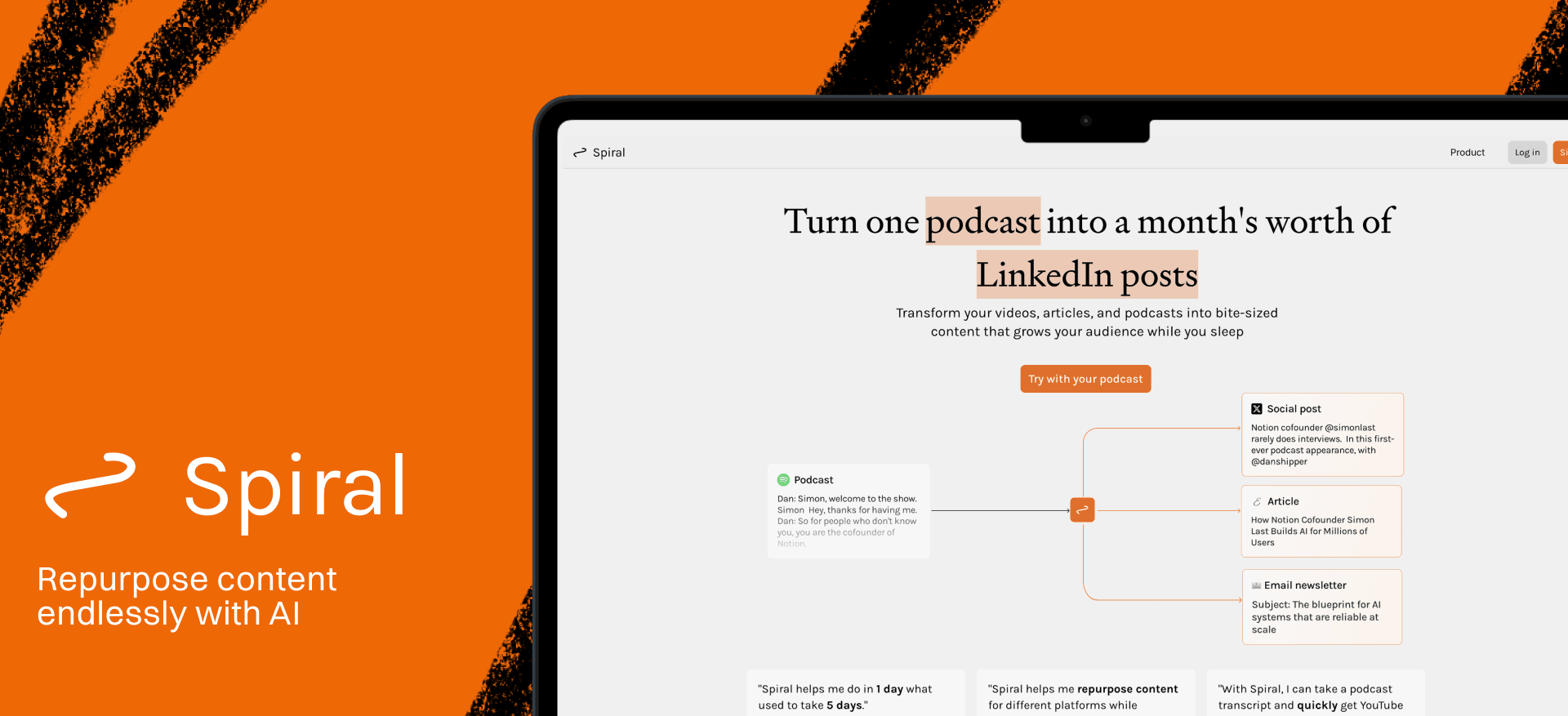
We build AI tools for readers like you. Write brilliantly with Spiral. Organize files automatically with Sparkle. Deliver yourself from email with Cora. Dictate effortlessly with Monologue. Collaborate with agents on documents with Proof.
We also do AI training, adoption, and innovation for companies. Work with us to bring AI into your organization.
For sponsorship opportunities, reach out to [email protected].
The Only Subscription
You Need to
Stay at the
Edge of AI
The essential toolkit for those shaping the future

"This might be the best value you
can get from an AI subscription."
- Jay S.
 Every Content
 AI&I Podcast
 Monologue
 Every Agent
Join 100,000+ leaders, builders, and innovators

Already have an account? Sign in.
What is included in a subscription?
Daily insights from AI pioneers + early access to powerful AI tools


 Front-row access to the future of AI
 In-depth reviews of new models on release dayPlaybooks and guides for putting AI to workPrompts and use cases for buildersIn-depth reviews of new models on release dayPlaybooks and guides for putting AI to workPrompts and use cases for builders
 Bundle of AI software






 Katie Parrott
 Every Staff
 Kieran Klaassen
Comments