


Stella Garber is the co-founder and CEO of Hoop. Previously, she led marketing at Trello, building the team as its initial marketing hire to Atlassian's acquisition and beyond.
We Built Our Own Agent-native Tool. It Overhauled How We Build Software.
A solution for our chaotic Monday meetings changed what we ship customers
Jun 16, 2026 · 10 min readUpdated Sep 8, 2026

Stella Garber cofounded Hoop, an AI agent to help subcriber brands cut churn, after years at Trello watching what makes software stick. When her team’s customer discovery calls became a mess of scattered notes and competing interpretations, they built an internal AI analysis tool from scratch using Every’s agent-native architecture philosophy. It reshaped how they build their actual product. Plus: While you’re waiting for Fable 5 to return, we’ve compiled 13 copy-ready prompts based on the Every team’s workflows. Use them to plan, build, research, verify, and hand off complex work that runs for hours.—Kate Lee
It was Monday morning, and my cofounder Brian was reading from our agent’s weekly analysis of customer discovery calls. “Subscription retention,” he said. “Five separate brands mentioned it as their top priority, and none of them trust existing AI tools to touch it.”
Just weeks ago, unearthing an insight like this would’ve been nearly impossible.
At my pre-product-market fit startup, we’d all been speaking with prospects and trying to figure out the positioning for our product, but keeping track of everything we learned was a mess across founders, platforms, and mediums. To share what we learned during our Monday meeting, Brian would read notes in Slack, collect transcripts from Granola, and try to make sense of it all in Claude Code.
We couldn’t afford to be that disorganized. We’d recently launched Hoop, an agent that helps subscription brands reduce churn, and we needed to learn as quickly as we could. So we had to talk to as many potential customers as possible, then rigorously document and score each call to separate polite interest from genuine demand. Everyone on our five-person team was putting in the effort, but each of us had our own process, our own tools, and our own interpretation of what happened on each customer call.
So my two cofounders and I—none of us with “engineer” in our title—built an internal tool to fix it. What we didn’t expect was that the tool would change how we built our actual product for customers, too.
Throw out the old playbook
The software development lifecycle wasn’t designed for agentic AI—and it shows. Tools, decisions, and the relationship with code itself are shifting faster than any playbook accounts for.
Meet Command Line, Microsoft’s new blog straight from their technical teams, sharing what they’re building, how they’re operating, and what they’re learning along the way. From articles like why the industry keeps confusing AI capability with AI reality to how they’re designing agent-first devices from scratch, Command Line is written by builders, for builders.
‘I should build something for this’
Our Monday meetings were so unmethodical because the information from our client calls was in different places depending on who had taken the call and whether they had notes based on Granola or another transcription tool. We had no way to see patterns and draw conclusions about what our potential customers wanted.
Justin, my cofounder and the resident product expert, built the first version of a tool to bring those notes together in under 10 hours over a few days, fitting it in around his other priorities.
Here’s how it worked: You’d upload a Zoom transcript, the tool would run the transcript through four or five prompts, and you’d get a structured analysis scored against the PULL criteria—a framework developed at Harvard Business School to help early-stage startups find product-market fit. The tool would also pull together all the conversations with a given prospect into a summary, so you could see the full arc of a relationship instead of just a snapshot from one call. Rather than digging through notes and transcripts, the tool gave us a consolidated analysis week over week to help us see what was working and what wasn’t.
Justin set up the app using tools we hadn’t used before: Next.js framework with ShadCN components for the user interface, Supabase for the database that compiled all the notes, Claude’s API for the analysis.
For Justin, who had studied computer science but wasn’t writing much code anymore, it was an opportunity to dust off his skills and build his confidence with AI-native coding. He started by designing and building the visual interface because he is the kind of person who gets frustrated when software doesn’t look right, even if it functions. He made sure that the look and feel of the tool matched our brand, and got the components (buttons, labels, menus) looking clean before he went anywhere near the data.
Only then did he go straight to the data. He had to make sure that the tool’s analysis of the customer conversations was better than what people were already producing on their own with Claude. Otherwise, we would never convince the whole team to use the same tool. So he created a prompt that he tweaked after manually reviewing the output several times and relying on Anthropic’s prompting best practices for Claude.
Still too much friction
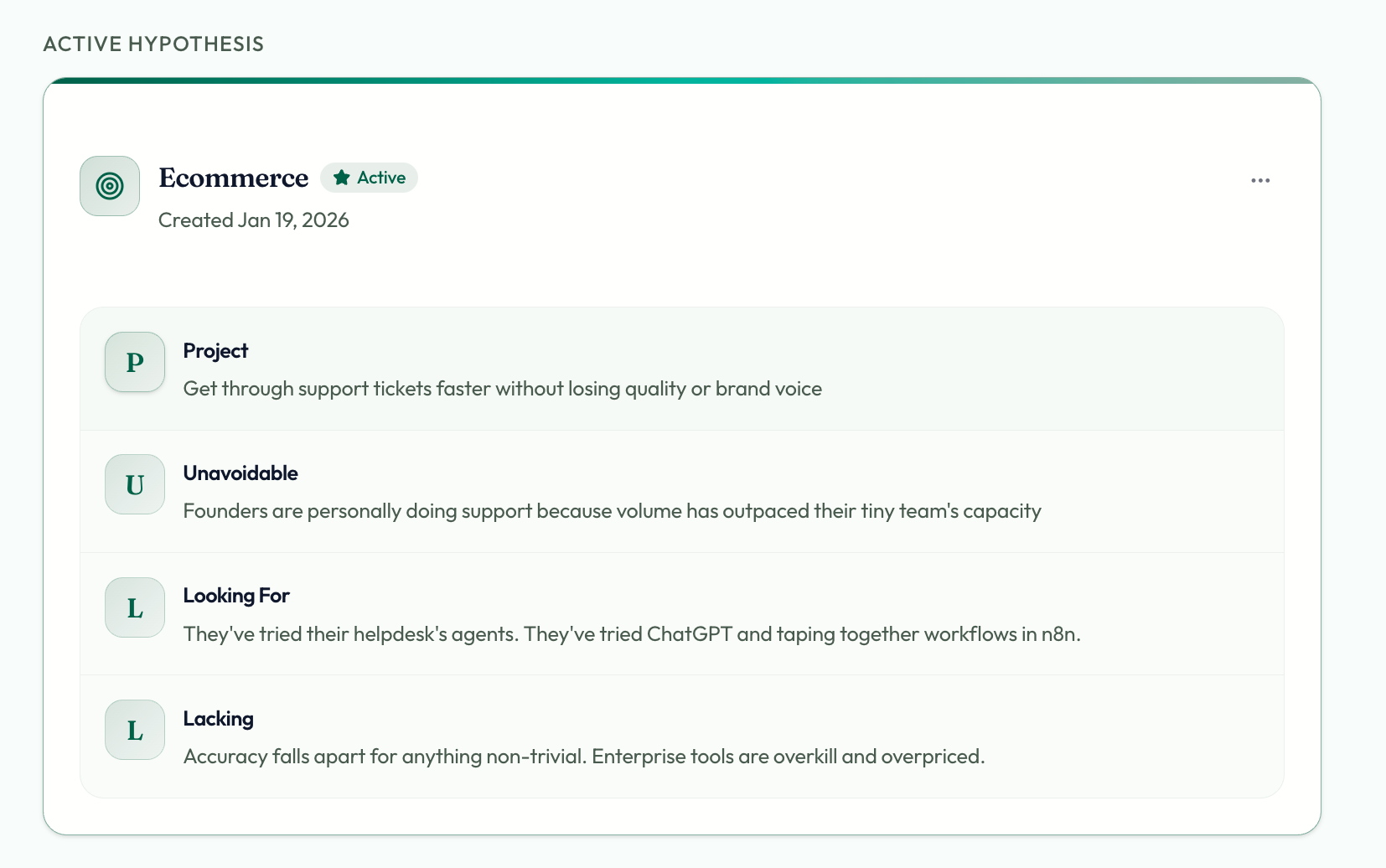
The first version of the tool generated high-quality analysis, but too many parts of the process were still manual. You had to download the call transcript from Zoom, upload it manually to the tool, fill in the customer name and call type, and wait several minutes while it was processed. Then you’d create a link and share the analysis in Slack.
The team could search the transcripts and analysis in the tool, but it didn’t return good results. For example, I searched for prospects who’d had bad experiences with AI customer support tools and got no results back, even though I knew a head of customer experience had spent five minutes talking about how embarrassed they were by their AI sending off-brand responses to customers. The tool could only match the exact words in my query, not the meaning behind them.
And there was the classic adoption problem that we know all too well from our years at productivity tool Trello, where we’d previously worked. Justin’s tool was yet another place people had to remember to go, competing with Slack and Notion for our attention.
Going agent-native
Then we found the answer to our woes. Justin had been reading about agent-native architecture on Every. Instead of hard-coding a sequence of prompts that run in a fixed order, you give a model a set of tools and let it reason about how to use them. And instead of building a destination app that requires people to come to you, you bring the tool to where people already work, like Slack.
Justin gave Claude Code the link to the article and said that he wanted to build a system that aligned with those architecture principles. The agent needed two tools: one to upload and read a transcript, and one to add and edit a partner profile. With those in place, all users had to do was send a transcript to the app in Slack. The agent confirmed the partner name and call details, then uploaded the transcript, ran the analysis, created a summary page, and posted it to our user feedback channel.
Justin started checking everything he built against the agent-native architecture guidelines, not just the product-market fit tool. He’d go into planning mode with Claude Code, lay out a new feature, and send it alongside the Every article back to Claude Code and ask: “Where is this aligned, and where is it not?”
Sometimes he deviated from the guidelines when he didn’t think that users needed AI for a specific task. For example, the tool tracked LLM token usage and cost—useful information, but not something users needed to query. Exposing it to the agent would have only created confusion.
My turn in the codebase
I had a different problem. I needed to see the pipeline at a glance—who to follow up with, where each conversation stood—organized by people and stages, not just chronological call logs.
I opened Ghostty, a simple terminal app, copied the tool’s code so I could work on it locally on my laptop, and—hands a little shaky at the thought of directly editing code—fired up Claude Code.
Become a paid subscriber to Every to unlock this piece and learn about:
- How a non-technical cofounder shipped an AI feature in a few hours
- How and why their agent autonomously edited the database
- The pricing insight buried in their call data
Thanks to our Sponsor:
Throw out the old playbook
The software development lifecycle wasn’t designed for agentic AI—and it shows. Tools, decisions, and the relationship with code itself are shifting faster than any playbook accounts for.
Meet Command Line, Microsoft’s new blog straight from their technical teams, sharing what they’re building, how they’re operating, and what they’re learning along the way. From articles like why the industry keeps confusing AI capability with AI reality to how they’re designing agent-first devices from scratch, Command Line is written by builders, for builders.
 Create a free account to continue reading
The Only Subscription
You Need to
Stay at the
Edge of AI
The essential toolkit for those shaping the future

"This might be the best value you
can get from an AI subscription."
- Jay S.
 Every Content
 AI&I Podcast
 Monologue
 Every Agent
Join 100,000+ leaders, builders, and innovators

Already have an account? Sign in.
What is included in a subscription?
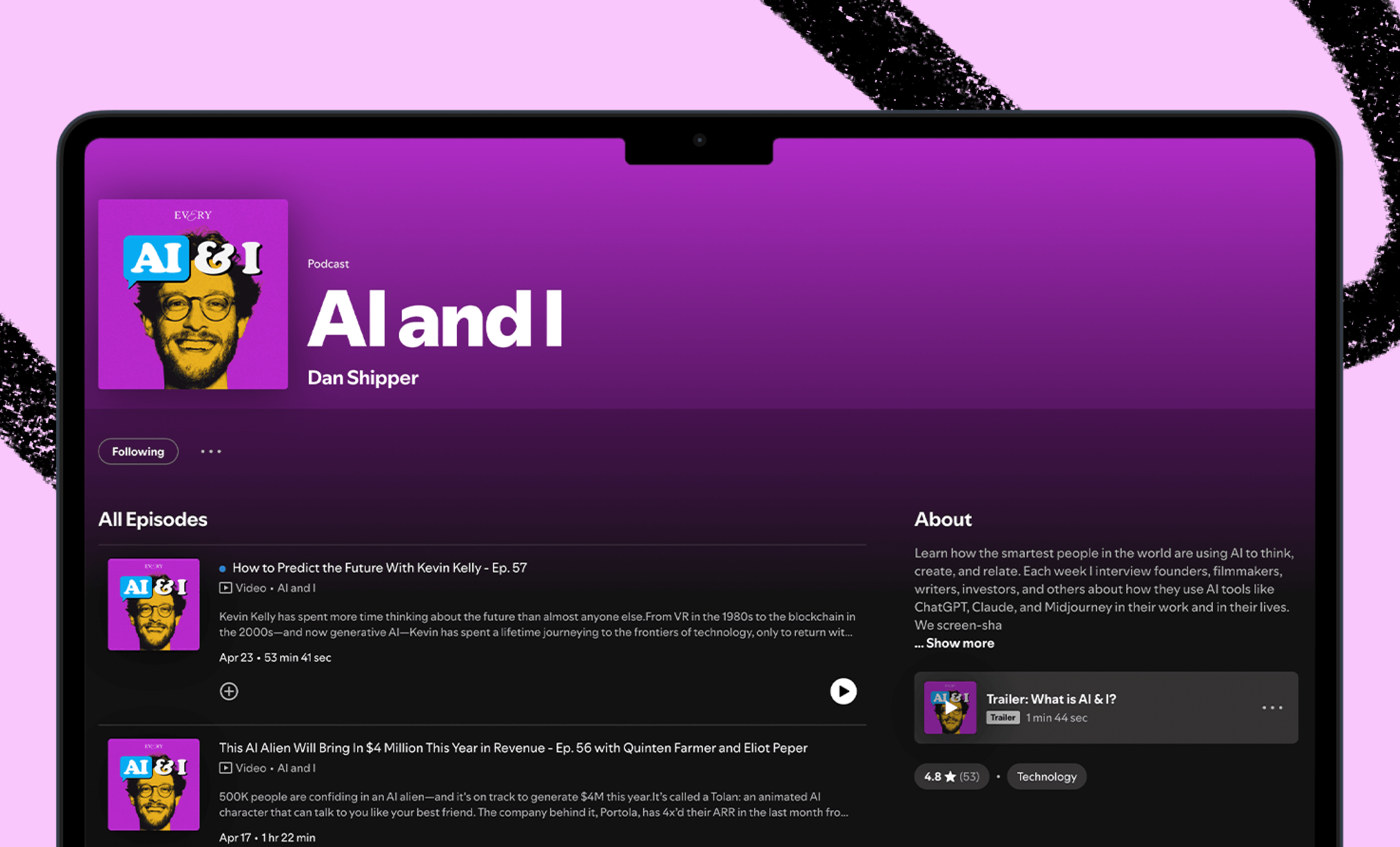
Daily insights from AI pioneers + early access to powerful AI tools

 Front-row access to the future of AI
 In-depth reviews of new models on release dayPlaybooks and guides for putting AI to workPrompts and use cases for buildersIn-depth reviews of new models on release dayPlaybooks and guides for putting AI to workPrompts and use cases for builders
 Bundle of AI software





 Katie Parrott
 Every Staff
 Kieran Klaassen
Comments