We use analytics and advertising tools by default. You can update this anytime.
How Every’s team uses Dots to catch mistakes, answer email, book appointments, and run tasks from Slack
Head of operations Arielle Shipper was on her way to drop off her kids when she got a message from her Dot, the proactive, always-on personal agent OpenAI built into ChatGPT: The total cost for an upcoming team retreat was off by more than $5,700. “I didn’t ask Dot to do this, and wasn’t even working with Dot on the budget,” she says. Without being prompted, it had reviewed the budget-tracking sheet, found a formula error, and brought it to her attention.
Catching errors, conflicting information, and missed follow-ups in real time is a big component of what makes personal agents like Dots so powerful. Once you connect one to Slack, email, your calendar, and the other places you work, they keep track of the details spread across all of them and message you when the facts don’t line up or something needs fixing. They can also do work for you, like answering emails, booking a doctor’s appointment, or making edits to a draft.
Major AI companies have converged on the personal agent space: In addition to OpenAI, SpaceXAI, Instinct, Meta, Google, and, most recently, Anthropic all want you to use their version of an always-on AI assistant. While there are some differences—Meta’s Muse and Instinct are tailored to personal tasks, whereas Anthropic’s Claude Duet, SpaceX’s Grok Bot, and Google’s Gemini Spark are geared toward work—they share the same purpose: to act as proactive and persistent AI assistants that can get work done on your behalf. (For a fuller look at how Dots compare to other options, check out our side-by-side comparison.) As a result, the best personal agent for you likely boils down to the one that works where you already spend your time. For many of us at Every, that’s ChatGPT.
This guide is for anyone deciding whether to try Dots and how to make the most of it if you do. We’ll walk you through the setup and share seven workflows our team uses, from catching mistakes across your apps to running multistep projects from a Slack thread, each with a prompt you can copy and try for yourself.
Dots may be the right choice if you use ChatGPT regularly—and have a ChatGPT Business Premium subscription. (Dots isn’t available on free or Pro accounts yet.)
If you have one, your Dot is there, ready to be summoned—“I didn’t have to download the damn thing,” says engineer Loren Stewart—and has access to your account’s memory and connected apps.
This ease matters—I use my Dot because there was minimal setup, it already had access to all my work in ChatGPT, and OpenAI makes sure it doesn’t break. (We launched our own version of the personal agent, but rolled it back because it required too much upkeep from users.) Head of enterprise AI adoption Natalia Quintero runs much of her consulting work out of ChatGPT, which has access to the files and workflows she needs to do her job. Before Dots, she relied on her own orchestrator built on a database that manages her tasks. Since its launch, her Dot has taken over as her default way to coordinate and monitor tasks.
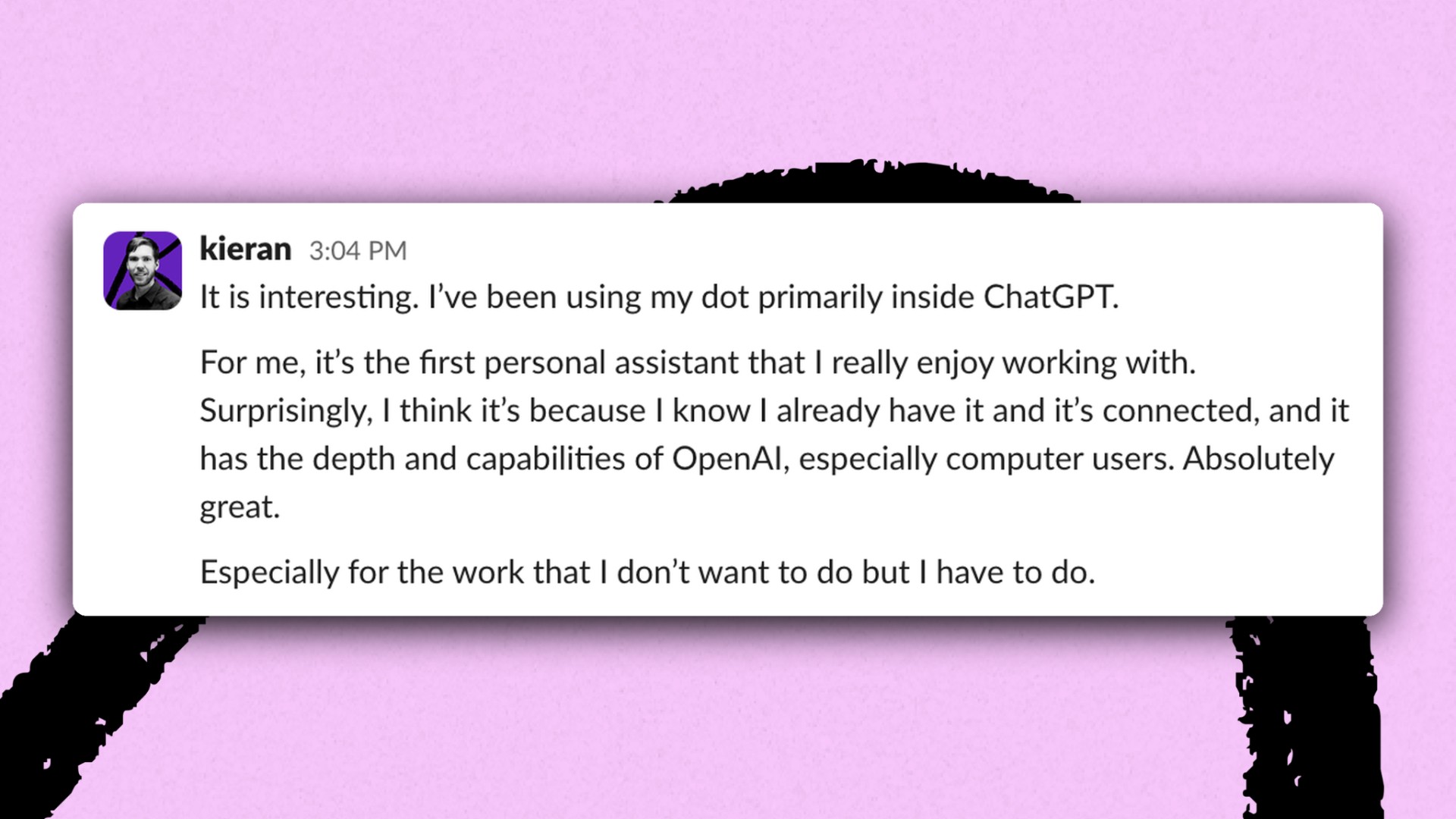
If you aren’t a heavy ChatGPT user, Dots might not be your best option. Managing editor Kaushik Viswanath prefers Instinct because he can message it through WhatsApp, an app he already uses to keep up with his friends.
Depending on your role, your mileage for personal agents in general may vary. In our team’s testing, we found that Dots was most impactful for managers and people juggling several clients or projects at once. For staff writer Katie Parrott, whose work is usually “deep-focus and linear,” Dots initially confirmed her hunch that “I’m fundamentally not a person who needs a personal agent,” she says. That’s started to change, however, as she’s grown more comfortable having her Dot coordinate personal plans and keep tabs on work projects with moving deadlines. “I’m starting to lean on my Dot more,” she says. “I’m starting to get it.”
Upgrade your membership to continue reading the full guide.
Subscribe to continue