





The transcript of AI & I with Ben Goodger and Darin Fisher is below. Watch on X or YouTube, or listen on Spotify or Apple Podcasts.
Timestamps
- Introduction: 00:01:57
- Designing an AI browser that’s intuitive to use: 00:11:51
- How the web changes if agents do most of the browsing: 00:15:24
- Why traditional websites will not become obsolete: 00:25:06
- A browser that stays out of the way versus one that shows you around:00:29:00
- How the team uses Codex to build Atlas: 00:39:51
- The craft of coding with AI tools:00:44:47
- Why Goodger and Fisher care so much about browsers: 00:52:33
Transcript
(00:00:00)
Dan Shipper
Ben and Darin, welcome to the show.
Ben Goodger
Hey, thank you. Great to be here.
Darin Fisher
Yeah, likewise. It’s awesome.
Dan Shipper
So for people who don’t know you, you are both building ChatGPT Atlas, which is an agentic browser. Ben, you are the head of engineering. Darin, you’re a member of the technical staff. I believe you both worked on Chrome originally. Is that true?
Darin Fisher
That’s right. We’ve worked on a number of browsers together for a long while.
Dan Shipper
Oh, that’s really cool. So I didn’t realize that this is an evolving partnership through many different products and companies. That’s really interesting.
Ben Goodger
We worked together first at Netscape, then on Firefox together for a few years, and then with Chrome, and now Atlas, which is super exciting.
Dan Shipper
Absolute OGs. Okay. This is really cool. So I’m using, I’m a daily Atlas user and I switched from Dia, which I know Darin, you used to work at The Browser Company. I’m good friends with Josh and Hursh, so if they’re listening maybe there’s a way you can get me back. But Atlas is pretty good. What’s really interesting to me about using Atlas and using agentic browsers is for the first couple days I was like, I have no idea what to do with this. Like, I know it has this power, but I can’t think of a time when I might want to use it. And now I’m just like, every single day there’s like 50 different things that if I had to click through another fucking form or settings page, I would blow my head off.
Darin Fisher
But isn’t that kind of the journey that people have with AI tools in general, like ChatGPT or these coding tools? You kind of don’t really understand the power until you get into it.
Dan Shipper
I think that is true. I didn’t quite have that experience. Like the first time I saw GPT-3 writing stuff, I was like, whoa, this is crazy. But yeah, I guess that is true. Well, I guess I’m curious from both of your perspective, if someone is listening and they’re like, I know that agentic browsers are a thing, and maybe I’ve tried it, but I actually don’t even know why I would use this or what it’s useful for, what is the vision for agentic browsers? And let’s try to be more specific than like, yeah, it just does everything for you. You know, like what are the real day-to-day things that agentic browsers change about how you might use the web?
Ben Goodger
Yeah. So I think that the future will get to a place where more and more of your workload can be automated. And I think we’re making progress in that direction. But today, we wanted to design Atlas with this idea that you could bring ChatGPT with you wherever you go on the web. And so, yeah, I mean, the thing that you note of like, what do I do with this? This is something that we hear a lot from people, but then also we hear some aha moments as they go on the same journey that you have and begin to figure out some use cases for it. This is something that we actually want to take some of that learning that we have from how people are using it and help offer more proactive advice to people like in the product, to help them figure out how to optimize use of the tool. But I think today, like one of the things that I noticed, when I use Atlas vs. when I go back and use a sort of pre-AI browsing environment, I find myself just able to ask a lot more questions and just be more knowledgeable about a topic. If I’m doing online shopping, I can feel confident that I’m getting the best deal or I have the right coupon code or I have all that sort of stuff.
If I’m researching a topic that’s of interest to me, I can sort of brainstorm different viewpoints on it. I can just sort of have this friend or advisor that comes with me and I can just have this conversation with it. And that’s just made the web a lot richer and more dynamic.
Dan Shipper
Can you make that more concrete for me? Because I think some of those things, someone might be listening and being like, well yeah I could do that with ChatGPT now, that’s what ChatGPT does for me. So what does it mean to have that in the context of your browser?
Ben Goodger
It just means that you don’t need to go, I think if you know, for anyone that’s had ChatGPT in a tab, you probably have the experience of going and taking some content from another tab and pasting it in and asking a question about it perhaps. Whereas when you have a browser that’s built with this at the core of it that context is provided directly to the model. So you kind of don’t need to keep repeating yourself. ChatGPT will just see what you’re looking at and be able to offer its thoughts on that.
Darin Fisher
I think that’s really the big unlock in the power of this whole thing is like, I think as people use ChatGPT for more things in their life, they realize that maybe they should start more of their queries with ChatGPT, right? You start to learn that for yourself at a certain point. You’re like, why am I doing things the old way that was very manual. But instead, I should ask this AI model, it will help me save some steps. And this browser puts that at the center of it. That’s what the URL bar will guide you towards for your queries, right? It helps you get into ChatGPT with a lot lower friction. And as Ben was saying, if you’re on a webpage and you’re scratching your head about something, ask ChatGPT right there. You can ask it. It has the context. You don’t have to copy paste and say, can you now answer this question? So it’s just a lot more streamlined. That’s kind of the core value proposition of this whole thing. And on top of that, we build features that people can opt into around web memories. So if the agent or the model is there on your journey, you can also query it later about things that it knows and that can be very powerful to you as you’re trying to get back to things or trying to make sense of just all the things in your world and whatever kind of journey you’re on, whatever research project you’re on, whatever work you’re trying to do. Having it there sort of passively can be very powerful too.
Dan Shipper
I got to tell you, like, and hopefully maybe this can be like a little bit of a user research session too, because I feel like I’m doing something with this that I’m very excited about. And I’m curious if you guys are doing it, if you’re seeing other people doing it, how you’re building for this. So the big unlock that I had with Atlas is I realized I never need to look at a settings panel ever again.
Darin Fisher
You’re not alone.
Dan Shipper
Yeah. And that is such a refreshing feeling. I think it’s both refreshing for users and for software developers. I think it’s refreshing for software developers because you don’t have to worry about adding another knob because the agent’s going to do that. So you can make software more customizable more easily. But for users, like, I think the canonical example for me is looking at the AWS dashboard. I don’t know if you have, like, I assume you guys have both logged into that and it’s like 50 different services and then the settings, the permissioning system is like, it’s like launching a nuclear missile in order to do anything. And I run a company and we have like 20 people. And so I’m sort of constantly being asked. Hey, can we add a seat to this? Or like, can you change the permission on this thing? Or, and it’s like some account that we set up five years ago that I don’t even remember.
Darin Fisher
You don’t do these things so frequently and so—
Dan Shipper
Yeah.
Darin Fisher
Yeah. It’s not top of mind how to do it again.
Ben Goodger
Yeah. My example of this that I’ve been using was, I used it to help me create Google forms to do user research. And Google Form Builder, I think is maybe less complicated than the AWS Control panel, but it’s still not something I use every day. And so I think for me to be able to ask the agent to go off and do that, and have it do that in a few minutes and come back and I can just submit, certainly allowed me to get to the meat of the problem much quicker.
Dan Shipper
Yeah, it’s one of those tasks where there’s a certain amount of activation energy and you don’t have to spend the activation energy anymore. Darin, what were you gonna say?
Darin Fisher
I was just saying it’s that time of year to go into Workday and figure out how to get my year end to date pay stub so I can share that with my tax advisor. And I’m, where do I go again? You know, they moved it again and I don’t go there often enough. So I think it’s super powerful for navigating web apps, especially complex ones as you said, with AWS, and it’s just, that’s one of the definite superpowers of these things.
Dan Shipper
So how are you seeing that evolve with your user base? What percentage, if you can share what percentage of people have actually figured that out? Because it’s super powerful, but I also imagine it’s not necessarily a daily use case. It’s a couple times a week. It is a lifesaver, but other than that, I may not use it. For this, I’m only going into settings a couple times a week. So I’m curious, is that one of the use cases you can hang your hat on, and are people really discovering it or is it still sort of nascent?
Ben Goodger
I don’t know if we have the exact stats on the sort of agent browser drives kind of thing. But we do know that just in general, people interacting with that side chat is a main use case for the browser. And I think probably most people are using that on a regular basis just because it is kind of the main value add, is sort of the main surface in terms of what tools or capabilities people use from that. I don’t think we’ve got that broken down quite the same way.
Darin Fisher
Yeah. What we, what you see is sort of what you’d imagine is that people are when you first come to these tools, you don’t know all the things that it can do. And that’s definitely a topic for us. How do we introduce people to things but not also overwhelm them at the same time? You want to balance something that’s familiar, simple, seems approachable, but also it’s powerful under the hood. So you get rewarded as you discover further. And you know, I think that’s kind of the nature of UX development, right? You can have a very powerful, complex tool, a browser really is, but you want it to also be approachable and easy. And you got to think about what are the patterns people do and how can we meet them in those moments, right?
(00:10:00)
Dan Shipper
What are some of the decisions that you’ve made to do that? To enable this sort of progressive disclosure of complexity? So that Atlas is really intuitive, but yeah.
Darin Fisher
One of the features that is pretty powerful but, or I should say we struggled with how to expose it, is this feature called Cursor Chat. If you’re interacting with a form field in the browser, you’ll see a little icon, a little ChatGPT icon, and you can hover over and then interact with the model in the context of that specific form field. We struggled with how to, how in your face to make this right. We want people to be aware of this power. It’s actually really powerful. The people who use it, they’re people who rave about this, helping them compose and that sort of thing, but actually a lot of people don’t discover it, even though we have this little hint. And so it’s always a question, how big do you make that hint? How do you introduce this to people? Certainly during onboarding, we already have a lot of things we try to tell people about because this is an AI browser. There’s new things to learn, fundamental things like web memories and capabilities like side chat and so on. But we can only tell you about so many things at once. So that’s been a challenge for us from a design perspective. For sure.
Dan Shipper
That makes sense. I’ve seen that little icon and I have not clicked it, so now I feel I need to click it.
Ben Goodger
Another advantage of having this sort of fully integrated with your browsing environment as opposed to just having ChatGPT in a tab is that you can kind of summon it into the specific text field. So this is a feature that my wife uses quite often. She has to write emails. She’s involved in a number of different things, and it just helps speed up her workflow quite a lot, having it there. And the thing is, it’s not just, it is your ChatGPT there, so it has your personalization, your custom instructions, all that kind of stuff behind it. So it writes the way you want it to write, and all that. So it’s pretty cool.
Darin Fisher
Broadly speaking, we’re really interested in the whole idea of how the model can interact with the web and the ways that we interact and how it can dovetail with what you’re already doing. So the agent that you invoke with slash agent inside chat is a very all in sort of manifestation of that, where you’re asking it to take a task and go interact directly with the page and push the buttons and do everything for you. And that’s sort of maybe the grandest representation of this kind of idea, but there’s all these sort of smaller, in the moment kind of versions of that as we said with Cursor Chat or just the fact that side chat has the context and when you ask a question, it can understand what you’re doing.
Dan Shipper
Yeah, that’s, I think that’s one of the most valuable parts of it is because it’s in my browser. It’s logged into all my websites and it can act as me on any number of websites. And so even though it’s not me, it has all the same affordances and all that kind of stuff. And I’m curious about your opinion on how the web will evolve for that. Because right now there’s this bifurcation between bots and humans, and there’s a human experience and then there’s a bot experience that you’re presumed to be crawling and there’s robots.txt and all that kind of stuff. And this is sort of this in-between thing where it’s personal and it’s driven by you, but it is not you. And how do you think the web should evolve for that kind of thing?
Ben Goodger
Yeah, so I mean, this is a super interesting one. And I do think over time there’ll have to be some notion of a non-human operator that is acting nonetheless on behalf of a human for a specific request. Because I see these things as quite different to, for example, web crawlers web crawlers are out there traversing websites and sort of synthesizing across that for the benefit of many, whereas this is, you could do the same thing, admittedly much more painfully if you were to write a local shell script that would go off and obtain the content of a website, maybe issue the direct HTTP requests to the resources that you wanted and so on. And this is much closer to that, where there is your own personalized intent behind it. So I think just from how we think about these things conceptually, that’s how I look at it. In terms of how things evolve, I think one of the most interesting things about it is that at some level, stuff doesn’t need to evolve. Because we have computer use models that can just go off and read the screen and click and do all that sort of thing. I think a lot of the evolution here will come from, are there ways to make that more seamless? Are there ways to make that higher performance so that we can do many things at once? You know, just basically support sort of scaling this up. Because I think what we really want to do is have something that can do many things on your behalf simultaneously over the course of time. And that will just require a much more interesting sort of evolution of the platform. And I think there are probably a variety of different ways to do that. One of the wonderful things about the web is that it’s a very declarative medium, and so this is something that we’ve begun to tap into, but I don’t think we’ve fully realized the potential of that interesting property of the web yet.
Dan Shipper
Can you explain for those who are listening, what declarative means, and then why that is an interesting and important property?
Ben Goodger
Yeah, so the web powering the web is this technology called HTML, Hypertext Markup Language. And it’s a way that all of the webpages are built. All of this sort of UI that you interact with on the web today is a combination of just text formatted in this specific manner. There are these things called tags. So a button might be a button tag that encloses the text that is rendered on the button. And so what the browser does is it reads all of this and it knows that if it sees a tag that says button or input or something like that, that there is a specific meaning to it. And then what’s interesting, for example, with forms is that a form is the way that you do effectively a call to a remote function with some data that the user provides. So when I fill out a form, for example, to run a search, I take values that I have, there’s a text that I type into this field, and then I call some remote function with that text, and then I get another page. And so there’s all of this sort of inherent to the way the web is designed. And it allows the browser itself to be referred to as a user agent specifically for this reason. In that the browser is designed to go and read all of these tags and figure out how to present it to the user in a way that is satisfactory to them.
Dan Shipper
And so Atlas is sort of a user agent agent.
Ben Goodger
That’s right.
Dan Shipper
Do you think we need different user agent strings for, is that one potential solution or extension of the HTML standard?
Ben Goodger
I’m not sure. I think just looking at the way the web works there’s a lot of, just thinking back to various browsers that we’ve worked on, there’s a lot of subtlety to user agent strings. And also the situation I don’t want to get into is where websites don’t work because we’ve changed something about it. And sometimes there are sites that will check for very specific parts of that string and they’ll sort of trigger behavior based off of that. And I know early in the Chrome days, for example, we would see behavior like that where it would cause sites not to render properly. And so from that sense with Atlas being predominantly Chromium, we feel like from a developer perspective, they should perceive it, they should build for it the same way that they build for any Chromium based browser. But there’s probably other signals or stuff like that that we will need to come up with over the course of time. It’s just, it’s very early for us to figure out what that looks like.
Darin Fisher
But your original question about how the web might change is a really interesting one. I think as more and more of the user agents are perhaps driven by agents or models that might end up having some bearing or impact on how developers create their content. I think at some point maybe there is an inflection point there. It’d be interesting to see how the ecosystem evolves. Right? You know, people create content for human consumption. In the past we’ve had moments when we were pushing heavily semantic web, to make a web that’s more understandable. Look at all the benefits that come from that. Screen readers will work better. Websites will be more machine understandable. What’s happened now with these AI models is they’re able to make sense of the websites that aren’t very ordinarily machine understandable, but because these models are interacting with it in the way humans do, they’re able to glean the information just as humans do. And that’s kind of a big unlock for the computer to help you, because it can understand these websites, right? But as that unlocks more and more computer models, based models driving these systems, these websites maybe, who knows, maybe the websites start changing as well. I mean, it reminds me of discussions about what happens when all the code is being created by coding agents and the coding agents are directing the coding agents and where does everything go? And what programming language ought they use and all these kinds of things. You start to wonder, maybe there’s some sci-fi stuff there to kind of dream and imagine how things might evolve. I would be lying if I told you I know things are changing.
(00:20:00)
Dan Shipper
Totally. That’s kind of the interesting thing is right now browser use is a really good way to bootstrap this because you don’t have to change anything for it. But once you’ve bootstrapped it and everyone’s using agents, I’m sort of curious if that is actually the most efficient way. For example, Ben, you were talking about having it do multiple things for you at once. You know, watching Atlas scroll through websites is kind of slow and there may be a more agent native way to allow agents to interact with websites like MCP, for example. Are you guys thinking along those lines or are you still really just focused on the core stuff?
Ben Goodger
We’re thinking through a whole host of different technologies to help us drive web browsing. I think as well, beyond the Atlas team, just to think broadly about what ChatGPT is doing, we’ve also launched this app ecosystem around the product. And I think that’s sort of a very direct way in which we’re encouraging developers to build for a more dynamically composed world. But that’s of course in the browser, but it’s maybe not part of Atlas in particular. So I think some of these things are, we’re going to try a few things and see how it works out.
Darin Fisher
Plus a lot of the technology that’s powering the ChatGPT Atlas agent now has its roots in the original operator tech preview that OpenAI put out. And if you rewind the clock back to then and compare the performance then to now you start to see sort of the rate of improvement. There’s been leaps and bounds improvements towards the quality and this performance. And we’re kind of on that curve of figuring out how to optimize and make these things work a lot better. And I think there’s a lot of exciting work ahead and opportunity ahead. And this was a meaningful step to share with people. And I think it opens the door to imagination and possibilities and for people to have some real things that can help you with what you were talking about earlier. But there’s so much more to come, you know?
Dan Shipper
Do you think agentic browsers will make the web unnecessary? By that, I mean, do you think there’s a chance there’s a future state where it actually becomes just better to stay inside of ChatGPT and your agent is going off and doing all the browsing and then maybe it’s building a custom website for you in real time based on what the brand or the writer wants you to see, but you’re not actually seeing rendered HTML in the same way that you would’ve been five years ago.
Ben Goodger
I don’t think so myself. And maybe this is just me not being imaginative enough yet about where ChatGPT will go. But I do think that there’s an aspect of, I think we will see people delegate a lot more to these tools, especially as they grow more powerful and they’re going to get amazingly powerful over the next 12 months. But I still think that there’s a lot of stuff that people want to do themselves. And whether it’s even just things like entertainment or there’s aspects of shopping or trip planning that I do want to be deeply involved with, and it’s probably going to start at least with some curiosity that I have. And I’m going to go out there on the web and find it. And I think that one of the most exciting things about the web is it has so much stuff on it. And so I’m always excited to explore it. And I don’t think that will ever go away. Maybe it’ll be different. Maybe there will be folks that maybe the kids today that haven’t sort of lived in a world without some of this stuff, they may have a different view on it, but that’s just mine. I don’t know about you, Darin.
Darin Fisher
No, I think people like window shopping. I think people like browsing. I think people like that sort of thing. Or you know, I love taking Waymo, but I also love driving my stick shift car. And you know, there’s going to be moments when both are important there. There’s moments when I want the Waymo and moments when I want to be just driving myself, you know? And I think that’s kind of the future is always going to be that way. And also it depends on what you’re trying to do. You know, I think that these models can be just incredible at synthesizing things for you that might lead you onto the manual mode part of it, right? And you’re probably just going to incorporate these things in a very natural way in your life. You are going to go between them where it makes sense to you and people are going to figure that out. But there’s always going to be a need to interact with web apps, if you will, or applications. And the web is a tremendous medium to distribute those things. E-commerce, the web, is an amazing medium for that. Yes, you could ask your model to please prepare you a shopping cart of items, but you’re going to want to go look at it and you’re going to want to go see things yourself. You’re not just going to be like, yeah, buy that for me without seeing it, in most cases. And so I think there’s kind of this blended world that we’re probably coming to.
Ben Goodger
There’s an aspect of the AI as actually a workmate or a coworker or something that you can delegate to. And then there’s an aspect of the AI as a thought partner or a collaborator in that sense. And I think that these worlds sort of are actually elegant, it’s neither one or the other. It’s kind of both.
Darin Fisher
Yeah, definitely. As a thought partner, this is already the case for these models. You know, when you’re researching something at home asking the chatbot about it saves you some time, just as an exploration, bouncing ideas off. When I’m coding, I’m doing it that way. So many things I’m bringing ChatGPT into my life to help me sort through my thoughts and what kind of problem I’m working on. And I think that’s sort of what I imagine. I can imagine lots of parallels to that in the future.
Dan Shipper
So here’s the thing I’m curious about. When Josh and Hursh were first starting The Browser Company, I’d been friends with them for a long time and so I actually talked to them for a little while about being the CEO. And so I spent a long time thinking about browsers for this specific thing and one of the things that I was kind of interested in is the role of browsers in someone’s life. And it seemed to me at that point that mostly a browser was sort of like a taxi. It’s like it takes you from one place to another and it’s supposed to get out of your way. It’s very utilitarian. And that we might be moving to a place where maybe it’s more of like a tour guide. It helps you figure out where you want to go and what you want to do, and then does some of it for you. But there’s this interesting tension there where inserting yourself between the user and what they want to do sometimes is super frustrating and your tour guide’s super annoying and people think of browsers as being, I think, in a lot of ways, I think of it as an invisible window pane. You don’t even realize the browser is there most of the time. That’s the point. What do you guys think about those? Do you think that dichotomy is useful or interesting, how do you think about it and how do you think about the trade off of fulfilling the sort of expectations that browsers are more or less invisible vs. helping the user get more of what they want, even if they didn’t necessarily know that they wanted that thing?
Ben Goodger
Well, there’s a sort of duality here present in Atlas. And I say this not as a punt maybe, but just to observe that we have tried to make our browser UI fairly streamlined and minimal so that you can focus on the thing that you’re looking at. But then ChatGPT is sort of at the heart of the experience, so it is there. And then you can choose how much you want to engage with it. I think the value of it comes from, I think the big thing that most people struggle with in their day-to-day life is ambiguity sometimes. What do I do next in this situation to achieve whatever the objective I have is? And that’s where ChatGPT is just incredibly amazing at helping with that. It was sort of the first, that was sort of the original idea that I had for this was when I would just ask ChatGPT in my existing browser tab, what should I do to solve this problem? And then like a friend that would step through you should do these three things. And then my question was, well, could you just do some of those for me? And sometimes there’s still a lot of things that can’t be done today. But we can make it do more of those things.
Darin Fisher
Yeah. We get reports from users asking, Hey, I asked Atlas, asked ChatGPT through Atlas to do this thing for me, and it didn’t work. We’re like, great, let us know. We will keep note of that and work on those things, you know? And so it is that kind of thing where you start to feel like I should be able to ask it anything. I should be able to ask it to help me with anything. And so that’s a nice North Star.
(00:30:00)
Ben Goodger
I think one of the things about this form factor though, is that it’s very familiar to people. I think most people can kind of relate to a browser. They kind of know how to use it, that kind of thing. And so there, I think it’s not a huge leap. I think if you go to a world where everything is intermediated to you by some other thing, it’s kind of hard to know what you can do with that. Whereas with the browser, you kind of know how to just start browsing the web and doing stuff with it. And then it’s, the opportunity presents itself in various points along the way that you can at your own choice, even with agent mode or especially with agent mode, you choose when and how you want to use it. And then it’s really on your terms. And of course, I think probably over the course of time we’ll find people will want to use it more and more. And so you want to help show them where that’s going to work well, but yeah, our goal definitely is not to be annoying. I remember the sort of original mantra with Chrome was sort of trying to really minimalize the chrome as it were and focus on the content. And I think we want to continue to have that be the case. But in this case, the content is whatever the user is trying to get done.
Darin Fisher
Yeah, it’s got to be a good browser first and foremost. Right. It’s got to actually work the way people expect it to work. And that alone keeps us busy and there’s a lot of aspects to just that alone.
Dan Shipper
I can imagine.
Darin Fisher
Yeah. And then how do you sort of add on to that, right?
Dan Shipper
What are the things that I might not realize about why that’s hard? Because I’m sitting here using your product all the time, being like, yeah, browsers are basically solved except for this AI stuff.
Darin Fisher
I guess that’s true at some level.
Dan Shipper
But what makes it hard that, if it’s keeping you busy, what are the sorts of things that are keeping you busy?
Darin Fisher
Oh, well, I mean, if you think about it, browsers have definitely evolved over the years, right? If you rewind back to Netscape and then think about Firefox, then think about Chrome, and think about when Chrome first launched, and then think about all the features that have been added since. And not everybody uses all of those features, but some people use them and we hear from those people. And Atlas has a significant subset of those features from the get go because we knew they were important. And building on top of Chromium meant that some of them we were able to expose, but many things we had to reimagine, rebuild, figure out how to build in a new way. And you know, some things we have not yet done. So we’re in the, for example, one of the things we heard about early on when we launched Atlas was, where’s my tab groups? Right? And that’s a feature that Chrome added a few years back, but certainly wasn’t there in the initial version of Chrome. And I know that when we first launched into Chrome, not that many people were excited about it or used it. It was sort of a small feature until eventually it’s become something that maybe a good number of people actually do care about. And we hear from those people because they want to carry their workflows over, you know.
Ben Goodger
So one way to think about a browser is that it’s kind of like an embedded operating system. And so in that sense, you might think of a browser as an app, but I think that’s maybe not the right way to look at it. A browser is more, is closer in complexity to an operating system. It has an app runtime, it has a window manager. It has various notification surfaces and launchers and other stuff. And so there’s just a lot of complexity in building all of that stuff out. Now you can short circuit a bunch of that, I think, Darin says maybe it’s a solved problem. I think for a lot of browsers it is including Atlas. Part of it is solved because of Chromium. The fact that Chromium is open source, it presents this just amazing, incredible baseline upon which to build. And you could stand up a browser very quickly that looks more or less like Chrome. I think our product ambition ran a bit deeper than that. I think we wanted to differentiate a bit more in our product UX. And so that caused us to take a different path, which we’ve written about. But that does mean that there’s a bit more of this legwork for us to go and make sure all of this functionality that people expect works in the way that they expect. But we think that at the end of the day, that will give us a lot more ability to sort of shape the product in new and interesting ways.
Darin Fisher
Yeah. There’s some variety for instance, but we run Chrome completely out of process. And so our app, the Atlas app is a pure Swift app that presents all of the browser familiar browser UI through UI elements that we had to craft. Again, we’re not just using the implementation from Chromium for any of the UI components. What we leverage from Chromium is the fact that it’s great at rendering webpages and all of the accessory support associated with that. You know, when it comes to various kinds of permission dialogues and whatnot, we hook into that and we present those dialogues, but in our own UI. And so there’s just a lot of very table stakes kinds of components there that because of our choice to build the app wholesale in Swift environment, all the UI components I should say, we had to rebuild a lot of different things, and of course we had a prioritization there.
Ben Goodger
The advantage about this approach for that is actually a sort of fun fact about Chromium is that much of the UI is built using C++ as a programming language, which is the thing that you did when you were building a Windows app back in the 2006 era. But it turns out to be hard to find engineers in this day and age that want to do UI development in C++, but you can find—
Dan Shipper
Why is that?
Ben Goodger
I have no idea how to speak as a longtime C++ developer, I’m very confused.
Darin Fisher
Yeah. I love C++. What’s the problem?
Ben Goodger
But yeah, there’s a lot of iOS developers out there. It turns out iOS developers often know Swift and SwiftUI. And if you know Swift and SwiftUI, you are also a Mac developer. And so we take advantage of that and it’s worked really well. We’ve been very successful at building a team.
Darin Fisher
And Swift is actually a remarkable language, very much like a modern alternative to C++ has there’s no garbage collector, so it’s got a very streamlined sort of memory management sort of setup, kind of like if you were just being really straightforward about using smart pointers in C++ and that sort of thing. So at any rate, I feel like this has worked out very, very well for us and we’re leveraging this to also bring the product to Windows.
Dan Shipper
What percentage of your code is written by AI?
Darin Fisher
Oh man. I don’t even have stats on that, but I know everybody’s leveraging Codex and ChatGPT heavily as part of this project.
Dan Shipper
I would say just finger in the wind, if you had to guess.
Ben Goodger
The majority of it, I would say. I can’t pick the precise amount. It wouldn’t surprise me if it was north of 75 percent, just that most people’s PRs start with Codex. You know, maybe there’s some dialing that you do through the process, but that just means in terms of raw volume, Codex has probably authored well over, more than half safely, more than half of the new code that we have at this point.
Dan Shipper
You guys have been building browsers for many, many years. You started at Netscape, you worked together at Chrome, or on Chrome. How does it compare being able to build a browser with Codex at your side in terms of team size, velocity, all that kind of stuff? What is, give me a sense for what’s different? Or maybe it’s very similar, but yeah. How does it compare?
Ben Goodger
Yeah, I was going to say, we have a very small team, although we continue to grow, to take on a bunch more possibilities. I think one of the things that has excited me about this world is it’s not just the pace of development, because I think to get a feature to work right, it’s always going to take a few iterations. It’s how quickly you can decide that something is worth pursuing. And so there’ll be an idea that I’ll have in my head, even as a team manager, where I want to see if the juice is worth the squeeze as it were. And I’ll just run off and do that in Codex and I’ll have a build. Then I’ll see if I like the thing or not. And if I do like it, then it makes sense to go and invest in that area. And sometimes we spend a long time in the pre-Codex world, just sort of wondering about if you should do this or that because it takes so long, even to prototype. Whereas Codex just makes prototyping a matter of minutes or hours for a lot of things.
Darin Fisher
And you know, for as long as we’ve spent in the Chromium code base across our careers. Man, that thing’s complicated and it’s grown. And so being able to ask Codex questions about Chromium is just invaluable. And any kind of very large legacy code base is going to have so much complexity and layers to it. And so the ability to ask these agents questions about it is just unbelievably useful. But the same thing goes for figuring out how to build certain kinds of UI effects, constantly probing ChatGPT for what’s the right way to set this thing up. So I’ll get a good animation or something like that. And just trying to learn some new strategies with core animation or something like this. So we have, as Ben said, a lot of our code is able to be created by Codex because there’s a lot of straightforward aspects to what we’re doing, but there’s also very delicate aspects that we’re doing. We have to get in there and really study it, but these tools can be tremendous companions as we’re trying to figure out, well, exactly what’s the right strategy here to kind of explore the solution space. I just can’t believe how useful it is, but it’s been such an accelerant for this project for sure.
(00:40:00)
Dan Shipper
On the topic of being able to prototype things more quickly, is there anything weird or crazy that you have in your head that you’ve been wanting to try that you know you want to share with us?
Ben Goodger
Oh, yeah. Let me tell you about something I’ve been working on. Yeah, just in the process of, so I’m a heavy tab user and I nerd out on the little details of how tabs work. So the Chrome tab strip, a lot of the way it behaves around where tabs get inserted, what gets selected after you close them. How the tab strip reflows, animates when you move your mouse out of the, I worked on that years and years ago it’s almost 20 years ago at this point. And although I have not have had less of a direct engineering role in Atlas myself, I do like to poke at different things, and so one of the things I’ve been playing with as Darin and the team work on tab groups, I have been exploring ways to just help make sure that the tab layout and scroll position remains stable. As you switch back and forth between tasks, you might be deeply buried down on a task. You might have lots of tabs, lots of tab groups open. You might have scrolled your sidebar of tabs down to a certain position. And then I have this moment where I want to go back and check my Gmail and I get a tracking link or something and I open it up and all of a sudden my tab strip is flung back to the top, it gets scrolled back to the top. And so this is what happens today in Atlas. And so I was able to go off and prototype a solution to that in Codex in about an hour, where I’m actually able to go and check on something without messing with the scroll position. And it’s just a transient world where I can go and look at something quickly.
So that’s the kind of thing where if you’re interested in just making the app better, you can go off and just do a really quick exploration and determine that something makes sense. Isn’t that the best?
Darin Fisher
Yeah. A lot of times we get feedback from people too about, Hey, I wish this thing or that thing, or what if that’s possible? And then invariably somebody on the team will have gone off and tried it and it’s because it’s not that expensive to try it, to Ben’s point.
Dan Shipper
That’s really great. Do you all have mixed feelings at all? I know a lot of professional programmers, even people that work at, even people who are super psyched about AI who are also, it also is kind of a bummer that a lot of code isn’t being written by hand anymore and there’s a certain craft to it that is maybe you just sort of like writing code. How do you guys feel about it?
Darin Fisher
I like writing code, but I think I would, I like the sort of crafting aspect. There’s something almost therapeutic about it just sort of, it’s like art or something, you know. But I still feel like there’s a lot of elements to it. The way I really view this is it’s a tool that will accelerate the mundane parts of the work. For example, I tediously did a refactoring across the code base. That was a little bit tedious because each time, each part was different and I didn’t really quite know how to prompt it through all of that. Then once I had done it and I needed to do another one, I was like, Codex, just do that for me. Do the other one. And it was a similar scale and it knocked it out within an hour. Right. And it was because it could follow my pattern for all the times when I worked through all the quirks, it could just follow those quirks, those patterns. I thought that was amazing. And then as I said, if I’m crafting some animation or something like this, Codex is going to be really useful to give me ideas, but I have to get in there and try it and see, and sometimes that, yeah, that’s just how I work. But I find that it still is accelerating me quite a bit and I still get that satisfaction of getting in there and crafting.
Ben Goodger
I think maybe there’s some version of this that we’ll know that we’ve achieved some level of even superintelligence with this stuff, if it can just go off and build something like Chromium or WebKit or that sort of thing of that scale with very minimal prompting. But I think we’re a bit from that point. So I do think that there’s an element of individual engineers’ judgment that comes from experience that can sometimes see things that aren’t evident in the code. Because what a coding agent is doing is reading the code and it’s oftentimes making really good choices about things. I’m surprised sometimes at how elegant some of the solutions that Codex can come up with are. But it doesn’t always hit because it doesn’t always know some of the context that isn’t stated there. And so that’s where I think to a lot of extent Darin talked about asking Codex questions about Chromium. I think people would remember being on the Chrome team when everyone asked Darin questions about how Chromium worked and Darin’s asking questions. There’s a need in, in many, especially more sophisticated, more subtle places for that judgment to be applied. And to, but then once you have that judgment, you just go so fast because you just tell it, I think you should create a cache in this format and you should put you should put it in this place and this package, and then it just goes off and does it at much faster than you could have. And at least myself, I don’t feel precious about typing that code. You know, it’s more like the idea, right?
Darin Fisher
One thing that’s been an interesting phenomenon is that thanks to Codex, actually we have a lot more unit tests because the overhead of creating a unit test is greatly reduced when you can just prompt for what you want to have tested. And even the model’s able to go and consider cases I didn’t prompt for because really I’m saying, can you create a test for this API for me? I’ve been really impressed with this because that’s a mundane task creating unit tests for any, crafting the API, it’s an interesting task. I’ll work on that. And then once I have it, Hey Codex, can you create a whole bunch of tests for me? It’s been fabulous, it’s been a fabulous friend in that regard. And I think we’ve seen a lot of benefit from that. And tests are of course, super valuable and those tests help us not make further mistakes. So it’s just been really, that’s definitely been a sweet spot.
Dan Shipper
Well, you were talking about getting feedback from users, asking you for things to fix things. I have a quirk that I would love to know if there’s a way to make it better now, just for me prompting better or if, just to put it out in the ether. If it was fixed, it would change my life. So I run a media company, so we publish articles all the time and there’s a lot of copy editing going on, and so I have an article that I wrote that’s coming out tomorrow and it’s full of edits and the editor who does it, some of it really requires a lot of editorial judgment, but some of it is the equivalent of writing unit tests. It’s just the capitalization is wrong here and there’s a comma missing here, and there’s a bunch of copy edits basically that are constantly being made. And we do it in Google Docs. And I’ve tried, we have a whole style guide and I’ve tried to have Atlas go through and suggest changes on the Google Doc according to the style guide. And it kind of happens a little bit, but then it just gives up and says, I did it. And it definitely did not. It did one thing and I think partly it’s the structure of Google Docs is so complicated. It requires a lot of dexterity. But I’m curious, what do you guys think? And is that something that you could fix?
Ben Goodger
Quick question for you. Are you using the agent mode to do that?
Dan Shipper
Yeah, yeah.
Ben Goodger
There’s been a known issue with our agent who we call it laziness, where sometimes you’ll see it say things like, oh, this task is too time consuming. I basically give up and it’s not just Google Docs. But it is for a variety of sites where the task might take very many steps or an extremely long time to run. And especially if it’s having to scroll multiple times to get through if you’re, I can imagine you could be tens, hundreds of pages even. It may give up under those conditions. That’s something that the team has been working on, and has improvements to that. But you’re also right that Google Docs is a fairly complex web app. It’s not something that, it’s a bit different to a lot of web content. I talked before about Declarative Web, where there’s just a tag suite that you can read through and see everything. Whereas Google Docs is much more like a traditional app. It uses a canvas. It just sort of renders text directly. When you scroll it, it is the one drawing, not the web runtime, and that makes it a bit more challenging to get all of the context out. And so yeah, I think the agent is maybe the right way to do complex things there, but the sort of laziness fixes will eventually help with that kind of thing.
Darin Fisher
There’s issues when the agent has to know if it should scroll and things like this, which can be critical for a web app that’s not just straight up HTML. I have seen it excel in some cases like this elsewhere. I’ve been impressed watching tediously close ads in order to reveal the content below in order to then complete my task. So I can sort of see on the horizon where it’s going to, but those are definitely cases of complexity that you know, where it has to interact.
Dan Shipper
Ad-based businesses are quaking in their boots, hearing about ChatGPT Atlas agents clicking X on ads to get to the actual content that you want.
Darin Fisher
Well, again, it’s doing what I would’ve done.
Dan Shipper
I agree. I agree. I’m here for it. We only have a couple minutes left. I think the one big thing that’s left on my mind is, you guys have been doing this together for many years and been working on browsers for many, many years. Why do you care so much about this problem?
Darin Fisher
Oh, God.
Ben Goodger
It is the most interesting app in the world. As I said, it’s like a mini operating system, and it’s all of this amazing content. When I was, so I got into the web when I was a teenager. I lived in New Zealand, which is on the other side of the world, and I felt very disconnected from the world of tech, at least at that point. I think New Zealand has grown a lot in terms of its technological prowess over the years. And the web was amazing because it felt egalitarian. And that anyone anywhere could get involved in it and they could publish a website. And then eventually when I got involved with Mozilla that you could actually go and help shape the thing. And open source and all of that. It’s all kind of tied together. And I just love it. I wouldn’t work on anything else.
Darin Fisher
Yeah. I think for me, I have somewhat of a different but similar origin story of getting involved in all this stuff. I found myself in college using Linux and feeling like the system would work a lot better if the browser worked better. So I took a job at Netscape to try to make that browser better and, but it was so liberating. I remember that when I did things through the web, it meant that it didn’t matter what computer I had, I could still do those things. And I think it’s sort of a fantastic idea and it’s sort of fantastic that we’ve had this thing and it can be better. It’s kind of like this thing where the web and browsers, they’ve been good and powerful and we depend on them, but you can all point to crafty aspects to them and things that could be better. And so it just sort of feels like it’s not done yet. It’s felt that way for a long time. And so that kind of keeps me going because there’s more stuff to do. There’s more to make better.
Dan Shipper
Ben, Darin, this is awesome. Thank you so much for joining. Really appreciate all the work that you’ve done through the years and thanks for making Atlas. It’s great.
Darin Fisher
Awesome. Thank you.
Thanks to Scott Nover for editorial support.
Dan Shipper is the cofounder and CEO of Every, where he writes the Chain of Thought column and hosts the podcast AI & I. You can follow him on X at @danshipper and on LinkedIn.
To read more essays like this, subscribe to Every, and follow us on X at @every and on LinkedIn.
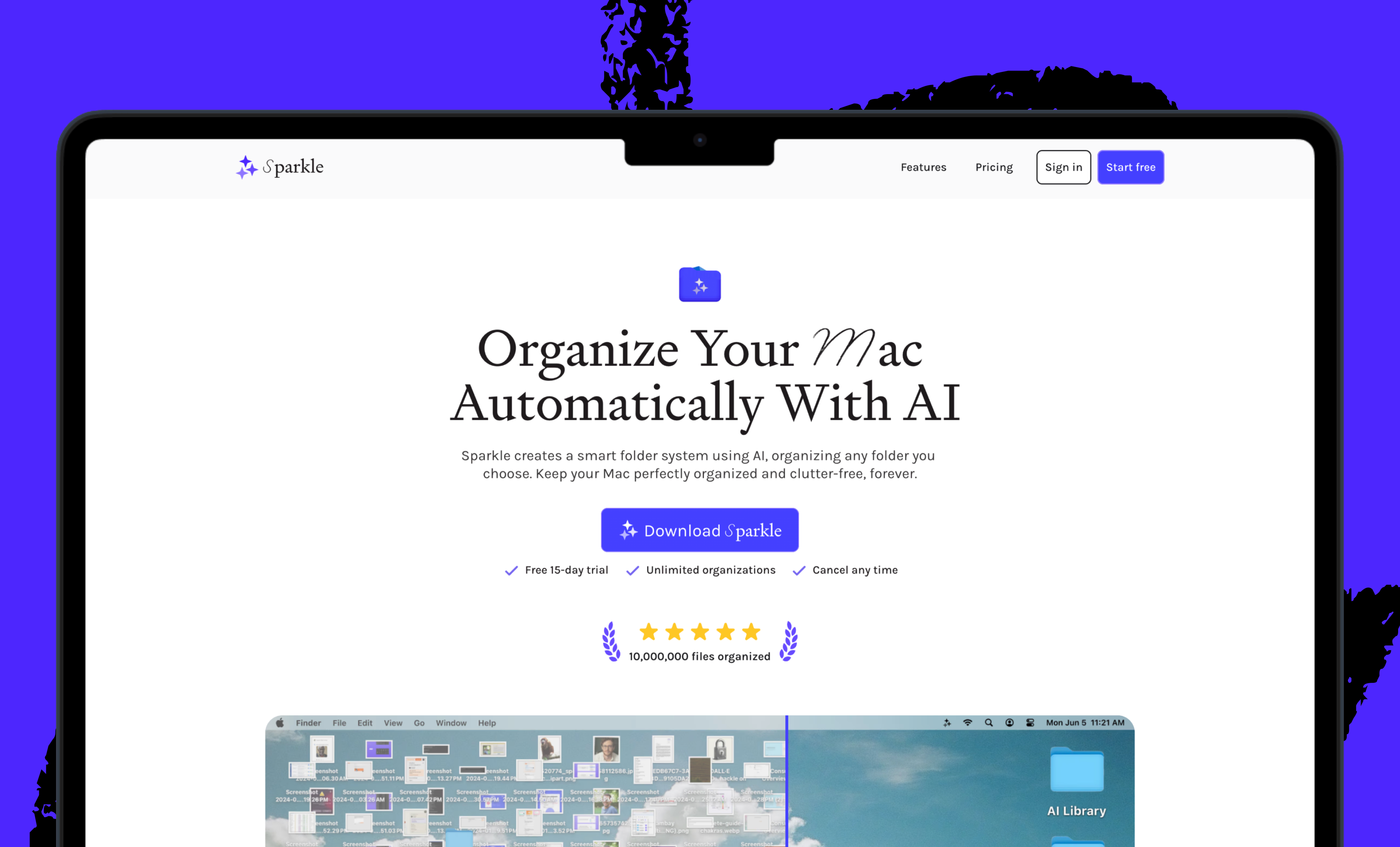
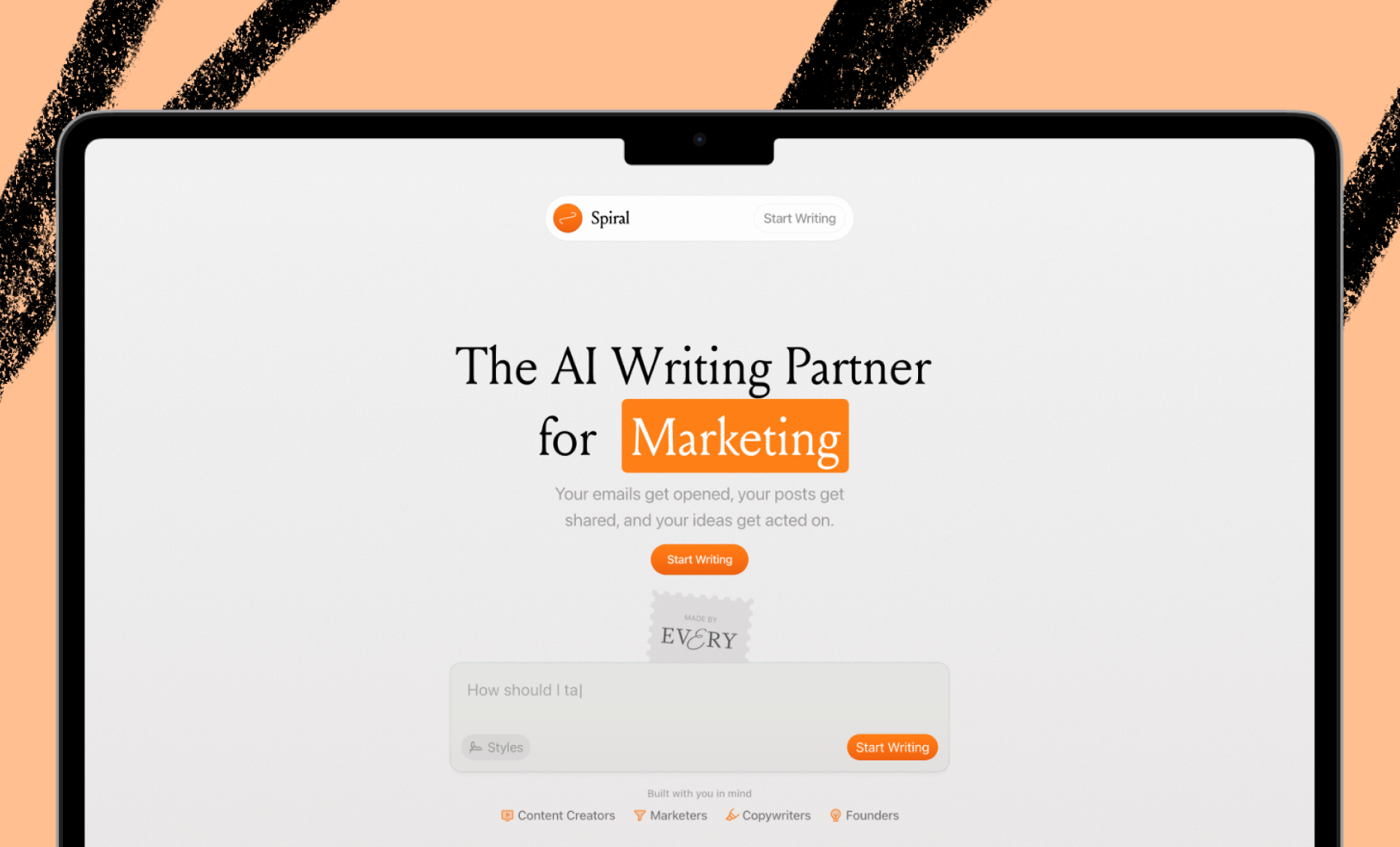
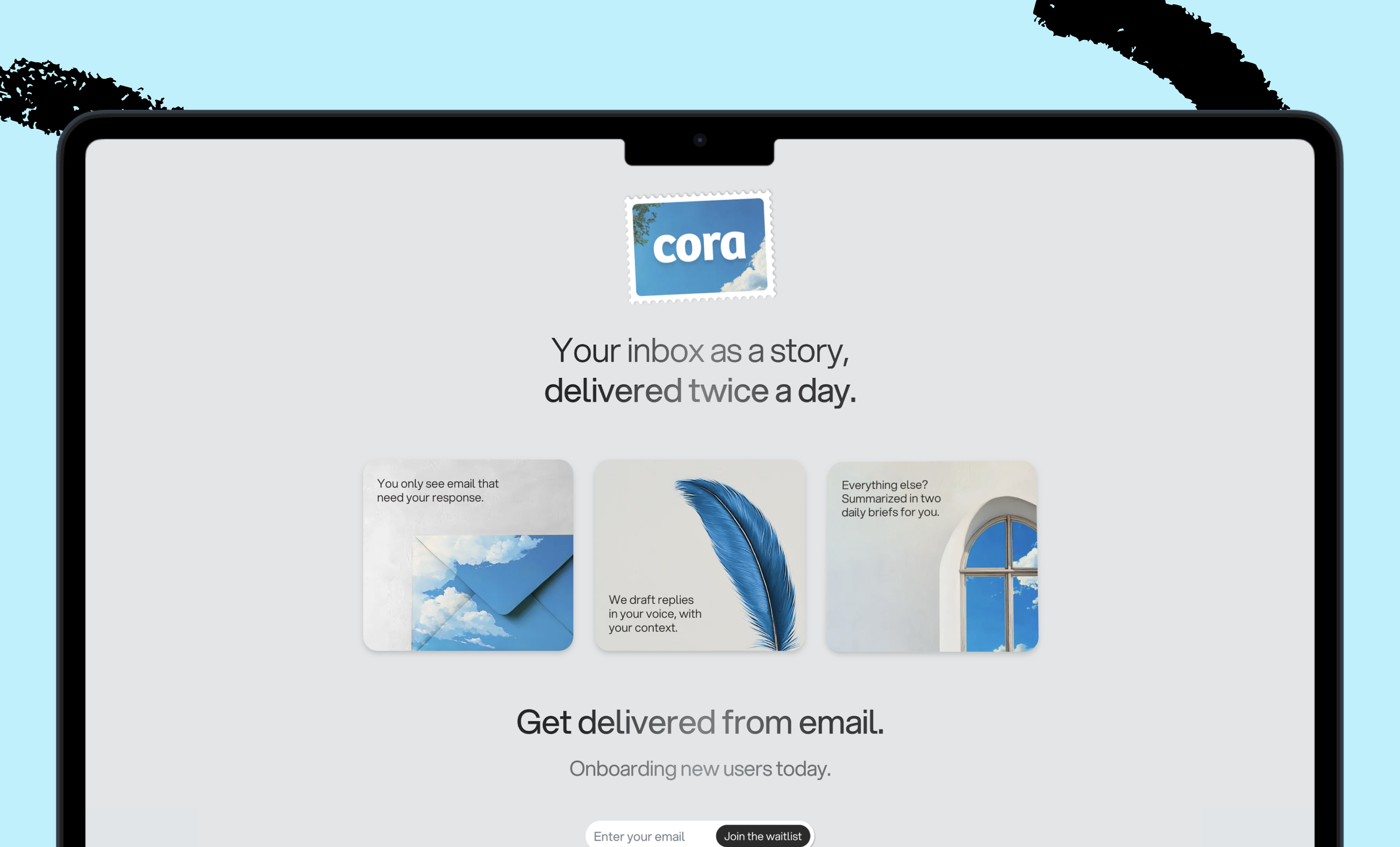
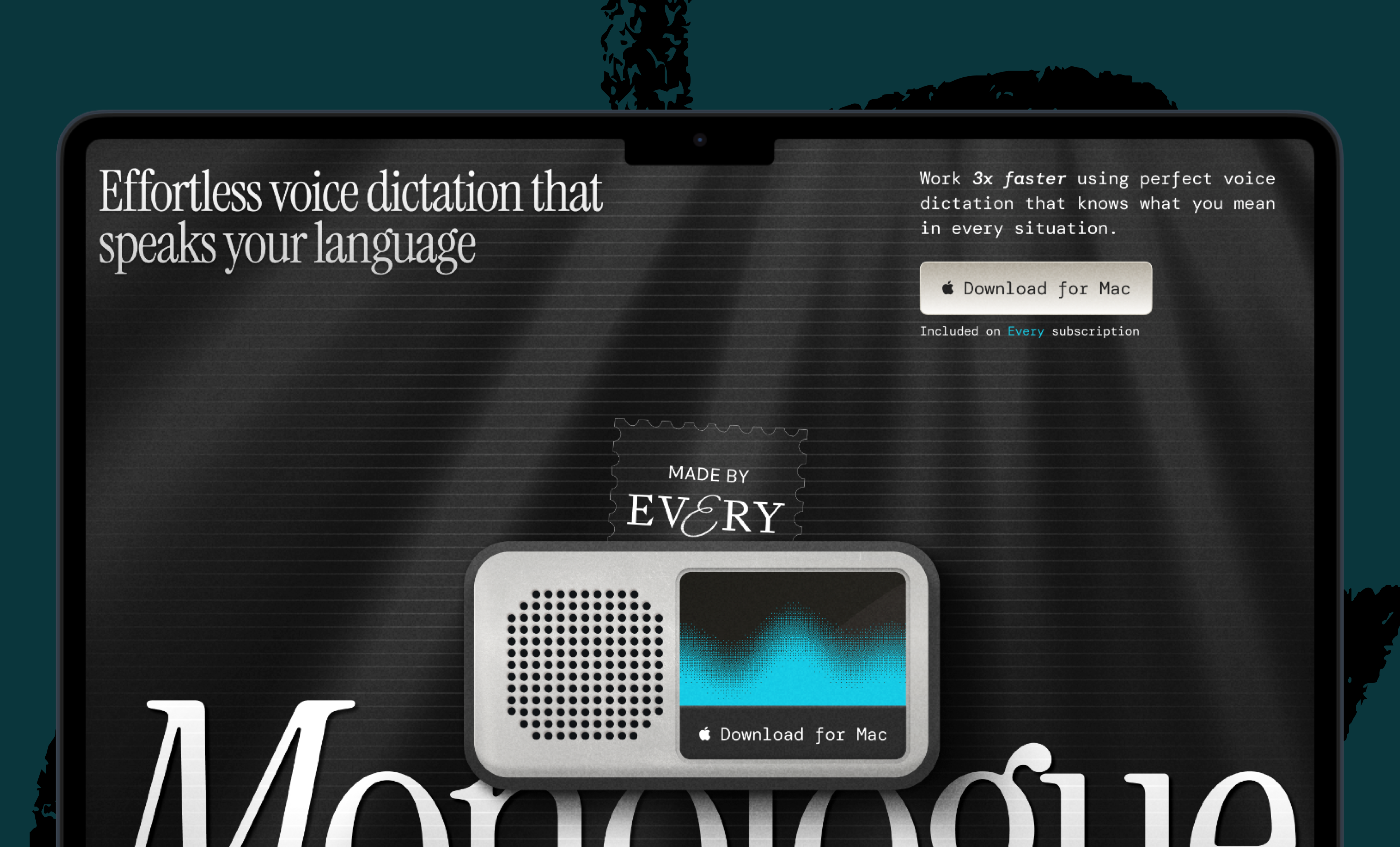
We build AI tools for readers like you. Write brilliantly with Spiral. Organize files automatically with Sparkle. Deliver yourself from email with Cora. Dictate effortlessly with Monologue.
We also do AI training, adoption, and innovation for companies. Work with us to bring AI into your organization.
Get paid for sharing Every with your friends. Join our referral program.
For sponsorship opportunities, reach out to [email protected].
Help us scale the only subscription you need to stay at the edge of AI. Explore open roles at Every.
The Only Subscription
You Need to
Stay at the
Edge of AI
The essential toolkit for those shaping the future

"This might be the best value you
can get from an AI subscription."
- Jay S.
 Every Content
 AI&I Podcast
 Monologue
 Cora
Cora
 Sparkle
 Spiral
Join 100,000+ leaders, builders, and innovators

Email address

Already have an account? Sign in
What is included in a subscription?
Daily insights from AI pioneers + early access to powerful AI tools

 Front-row access to the future of AI
 In-depth reviews of new models on release day
Playbooks and guides for putting AI to work
Prompts and use cases for builders
In-depth reviews of new models on release day
Playbooks and guides for putting AI to work
Prompts and use cases for builders
In-depth reviews of new models on release day
Playbooks and guides for putting AI to work
Prompts and use cases for builders
In-depth reviews of new models on release day
Playbooks and guides for putting AI to work
Prompts and use cases for builders
 Bundle of AI software





 Rhea Purohit
.png)
.png)
 Reviews of new AI models on release day
Comments
Don't have an account? Sign up!