

Mike Taylor is the head of tech consulting at Every and a co-author of "Prompt Engineering for Generative AI" (O’Reilly).
Why I Turned Off ChatGPT’s Memory
The case for keeping your AI on a need-to-know basis
Feb 23, 2026 · 10 min readUpdated Jul 11, 2026

Most people can’t imagine switching away from ChatGPT—it “knows them so well” thanks to its memory feature. Mike Taylor’s view is the opposite: Memory has more disadvantages than advantages. He introduces a concept he calls “context rot,” the slow buildup of stale preferences, errors, and contradictions in an LLM’s memory that quietly degrades your results. His real-life examples are as hilarious as they are insightful—ChatGPT trying to make a basic website feature “as dope as possible” thanks to a Kanye quote in his custom instructions and serving him BBQ rib advice suspiciously tailored to his Hoboken zip code. Sometimes it’s better to forget.—Kate Lee
Was this newsletter forwarded to you? Sign up to get it in your inbox.
Memory is frequently described as ChatGPT’s “killer feature.” Many people tell me they can’t switch to Gemini or Claude because the OpenAI tool “knows them so well.”
I have memory turned off.
The memory feature allows ChatGPT to save and recall information it thinks is important about you, as well as reference past chats to shape its responses. While I can see how this could make a “helpful assistant" more helpful, I don’t use it.
My background is in internet marketing, where it was common to open Google in incognito mode so you didn’t bias your results when checking your client’s ranking. Since Google search results are personalized, your client would show up first if you search from your account. You click on it so much that Google knows you like it. I have the same issue today on Spotify—the algorithm recommends both Rage Against the Machine and the K-Pop Demon Hunters soundtrack, because my six-year-old daughter shares my account.
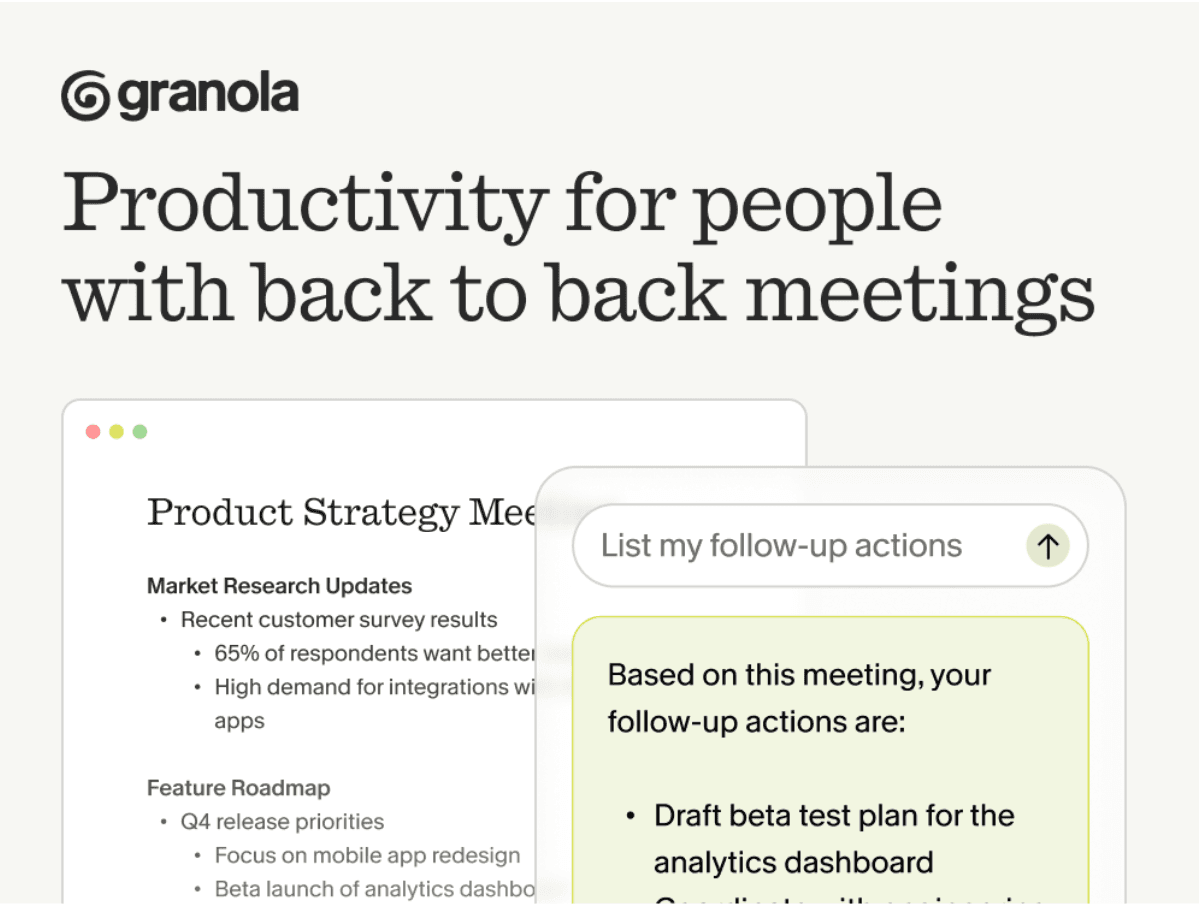
The app for people who actually do what they said they’d do
You know that feeling when you leave a meeting and immediately forget half of what you agreed to? That’s not a memory problem. It’s a meetings problem. When you’re back-to-back all day, there’s no time to process. No time to write the follow-up. No time to turn “we should probably...” into something that actually happens.
Granola helps you become the person who actually does what they said they’d do. You take notes during the meeting : just quick bullets, nothing formal. Granola transcribes in the background and turns those notes into clear summaries with actual next steps. After the call, you can share your notes with the team so everyone’s aligned. Or chat with them to pull out exactly what you need to do next, without re-reading the whole thing. No more “wait, what did we decide?” moments. No more dropping the ball because you had three calls in a row and couldn’t keep track. Just clarity. And follow-through.
Download Granola and try it on your next meeting.
The argument for turning off memory is the same. I want unbiased results from ChatGPT, based on context that I carefully curated and put in the prompt, so I know how it made its decision. With memory, anything from your past chats could affect the results in ways that are hard to predict.
While the memory feature might be worth the loss of control for most users of ChatGPT, it can lead to unexpected and difficult-to-diagnose problems. Hear me out as I explain the problems you might run into, and hopefully, I’ll convince you to be careful with memory...
Become a paid subscriber to Every to unlock this piece and learn about:
- What a barbeque rib recipe revealed about how ChatGPT’s memory is skewing every answer it gives you
- The four specific ways AI memory degrades your results—and what to call it when it does
- The counterintuitive case for why wiping your AI’s memory entirely might make it smarter
Thanks to our Sponsor: Granola
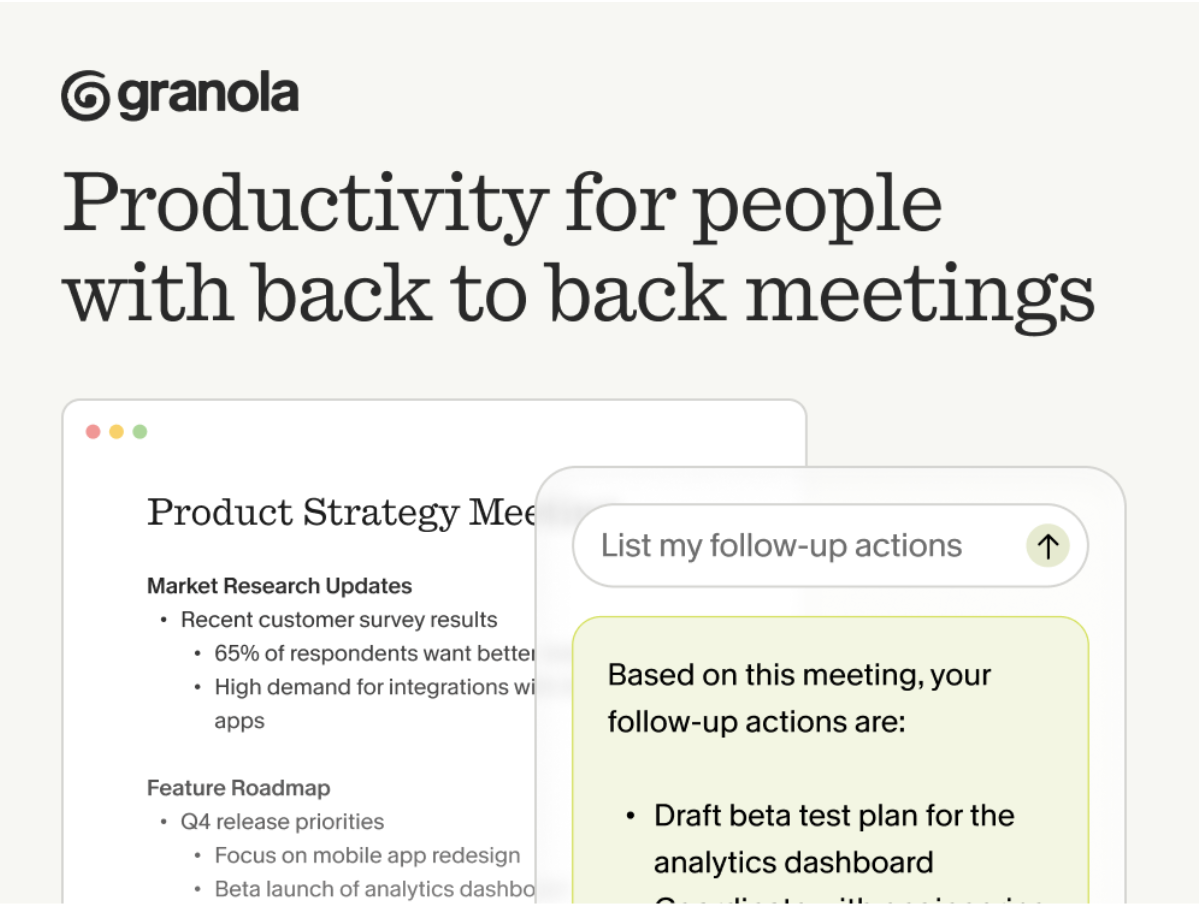
The app for people who actually do what they said they’d do
You know that feeling when you leave a meeting and immediately forget half of what you agreed to? That’s not a memory problem. It’s a meetings problem. When you’re back-to-back all day, there’s no time to process. No time to write the follow-up. No time to turn “we should probably...” into something that actually happens.
Granola helps you become the person who actually does what they said they’d do. You take notes during the meeting : just quick bullets, nothing formal. Granola transcribes in the background and turns those notes into clear summaries with actual next steps. After the call, you can share your notes with the team so everyone’s aligned. Or chat with them to pull out exactly what you need to do next, without re-reading the whole thing. No more “wait, what did we decide?” moments. No more dropping the ball because you had three calls in a row and couldn’t keep track. Just clarity. And follow-through.
Download Granola and try it on your next meeting.
 Create a free account to continue reading
The Only Subscription
You Need to
Stay at the
Edge of AI
The essential toolkit for those shaping the future

"This might be the best value you
can get from an AI subscription."
- Jay S.
 Every Content
 AI&I Podcast


 Mike Taylor













Comments
Don't have an account? Sign up!